Featured Content
-
TP94 Power Ratings - 10/28/26
1. Trinity 124.11
2. Christian Academy - Lou 113.61
3. Beechwood 97.79
4. Highlands 94.33
5. Boyle County 93.7
6. Frederick Douglass 92.31
7. Covington Catholic 91.16
8. Paducah Tilghman 91.09
9. Manual 89.41
10. South Warren 81.87-
-
- 1 reply
Featured by theguru -
-
6th Region Boys Basketball Preview
The Sixth Region is traditionally one of the regions you want your favorite team to avoid in the State Tournament. The region's champion is almost always strong enough to compete with anyone in the state. For the past two seasons, Jeffersontown and Butler have battled it out in the regional championship game. While both the Chargers and Bears lost significant production to graduation, it would be no surprise to see either school back in the title hunt. However, they will face stiff competition: Fairdale returns all five starters, Pleasure Ridge Park is always a threat, Evangel is fresh off a 20-win season despite starting three eighth graders, and W.E.B. DuBois welcomes back Ja Rye Brown and his staggering 29 points per game. There are several mid-tier teams capable of pulling off an upset and displacing some of these top contenders. It shapes up to be an exciting year in the Sixth Region.-
-
- 2 replies
Featured by theguru -
-
12th Region Boys Basketball Preview
Can it be? Is it really that time of the year? Formal practices for basketball season commenced, as they do every year, on October 15th and the start of the regular season is looming in the post-Thanksgiving future, the first official tip-offs happening on November 30th.
The 12th Region is at a transition point. So many familiar names have now graduated - Kole Grundy and Aedyn Absher of Somerset, Seth Farmer and Kendall Phillips of Wayne County, Leek Ateny and Ben Mikels of DCA, Carson Fraley of Pulaski, Walker Craig of Rockcastle, Zachary Hutchinson of Southwestern, Peyton Higginbothan of McCreary Central, Gavin Murphy of West Jessamine, Jack Baker of Somerset Christian, and Sawyer Robbins of Lincoln County, among others not mentioned here. Virtually every roster has seen one of their cornerstones removed and teams across the region will be faced with the challenge of filling missing shoes.
That lack of star power has caused things to be fairly quiet over the offseason and leading into this coming season. DCA was making waves on a statewide basis the last few years. There is no team in the 12th this year anywhere close to that status. There is no team that you look at and go, "HERE, here they are!"
Now, that's not to say it's all doom and gloom and the quality of basketball will be low. Lower than the last couple of years, maybe, and especially early, but this is still a super-competitive region with high quality coaching and some exceptional student-athletes. In particular, think of this year's theme as blue collar. The players who at the top of these rosters are going to be blue collar, insomuch that they do the little things right, that they work hard, and that they are fairly tough-nosed athletes. Last year we had Phillips, Ateny, and Craig. This year we have Brock Stevens and Guy Turner of Somerset, Cash Baird of Lincoln, Ryder Bell and Rylan Morgan of Wayne, Luk Tut of West Jessamine, Tyson Duke of East Jessamine, and more. But wow - think of those players. That is a ton of physicality and athleticism but maybe not so much on the pure scoring.
What does that mean? We already know this region has tended to be more low scoring and defensive minded, especially during the DCA rise to the top but even in the years before when we think about Lincoln, Boyle, West Jessamine, Wayne County and more. It is going to be even more intense in that way this year. I expect highly competitive games albeit ugly ones.
Give me grace on the rankings as it is called for. I am always open to missing transfers and injuries that don't appear online. Also, I expect the rankings this year to be incredibly fluid early as it really is that wide open. Like I opened with, this really is a big transition year for the region.-
-
- 3 replies
Featured by theguru -
-
Manual at Male Predictions/Updates
Dupont Manual ♈ vs. Male 🟣🟡
Records/Rankings
♈ | 8-1, 6A #3
🟣🟡 | 5-4, 6A #8
“The Old Rivalry”. The tables have turned, with the Crimsons seizing control. As Male feels its way through a transitional period, Manual is thriving with wins over St. Xavier and South Warren. The Dawgs are lacking any wins of substance and suffered a setback to Bullitt East last week. The temperature feels right for Manual to tighten its grip on the barrel with a third straight win over its ancient rival. The record books have to be dusted off for this one, which reaches all the way back to 1893. Male leads the all-time series 90-47-6. Manual crushed the Dawgs last year, 52-13, marking one of the biggest wins ever for the Crimsons in the series.-
- 9 replies
Featured by Colonels_Wear_Blue -
-
Frederick Douglass at Boyle County Predictions/Updates
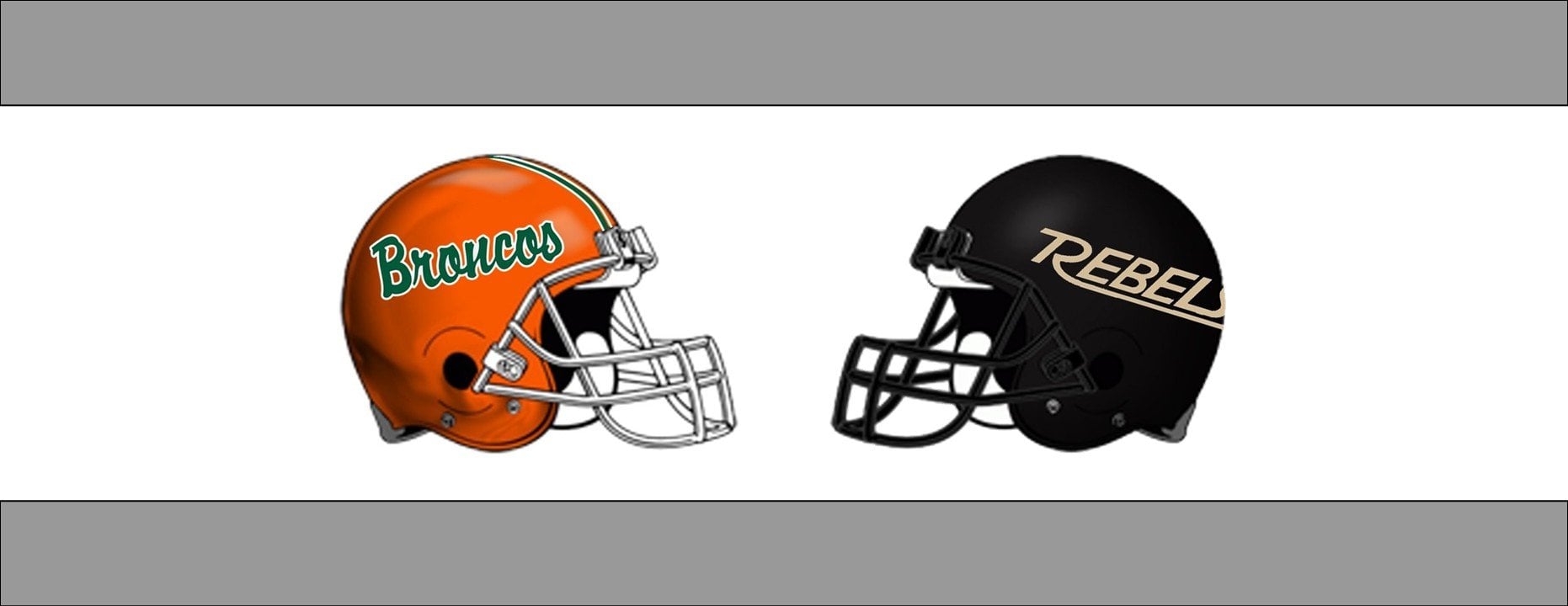
The Frederick Douglass Broncos (9-0) travel to Boyle County to take on the Rebels (8-1) for the 3rd time. This marks the 6th straight year that two of the best programs in central Kentucky will close out the regular season. So far the Rebels have won 4 of the first 5 meetings with the only Douglass win coming at Boyle Co. in 2022 when they went 15-0 and won the State 5A title.-
-
- 17 replies
Featured by Colonels_Wear_Blue -
-
BluegrassPreps.com Football Rankings 10/26
Class 1A
1. Pikeville
2. Raceland
3. Sayre
4. Middlesboro
5. Kentucky Country Day
6. Bethlehem
7. Paintsville
8. Louisville Holy Cross
9. Newport Central Catholic
10. Eminence-
-
- 0 replies
Featured by theguru -












What's New
-
All the top 3A teams should win their last game WP (.35). Here is a look at their opponents' last game using TP94 Power Rating ranking. Green = win, Yellow = loss. Blue = out of state/completed season. Some games are too close to call; for example, DeSales (#101) vs. Anderson County (#105), and Boyle (#5) vs. Frederick Douglas (#6). LaRue and Glasgow share many opponents, and two of Glasgow's non-district opponents are playing each other (Barren County vs. Allen County-Scottsville) and may cancel each other out. Lawrence County will probably take the biggest hit to its OWP. Not only will a Lexington Catholic win over Ashland Blazer hurt Lawrence County, but a Garrard win will also hurt them and help Lexington Catholic. These projections affect the teams' OWP (.35). This does not account for OOWP (.30).
-
Did a Brewers teammate just step in as an impromptu interpreter for Contreras? That’s awesome!
-
Congrats to Bluebirds… but Tdy Please explain what you mean by variables?
-
For a few fleeting moments I felt young watching the games.
-
The joy in Cooper Pratt there was very real. That was really cool!
-
I feel like the best team in baseball won the World Series. Good season for MLB.