paNDA
Former Member
-
Joined
-
Last visited
Everything posted by paNDA
-
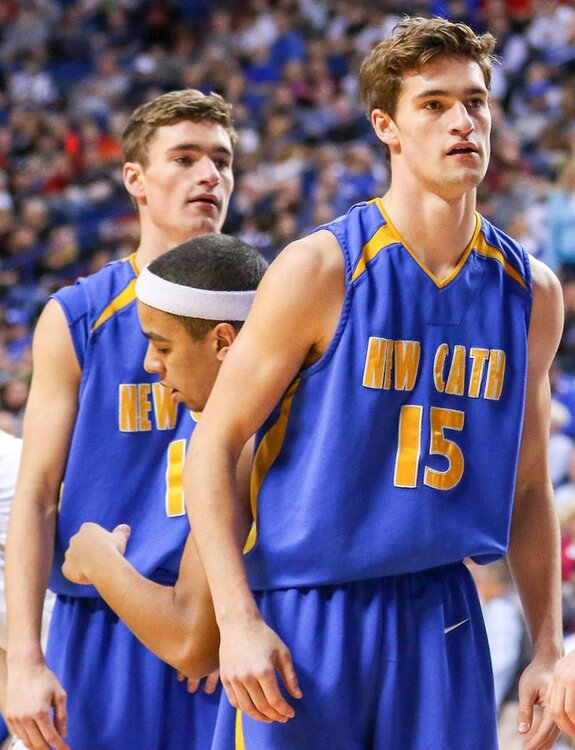
More photos here 2
-
Other pictures: 2

-
If they could move it closer to my house I would appreciate it. I had to drive a solid 20 minutes. Having said that my opinion is probably not going to count. But I did like the venue. WKU was nice but just not going to get me to go without a kid in the game.
-
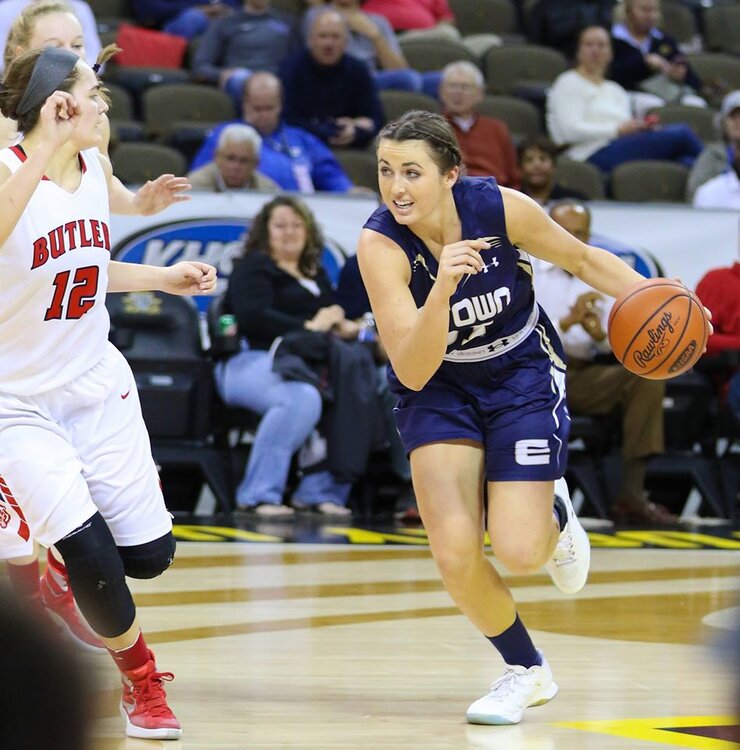
Good luck to this young lady.
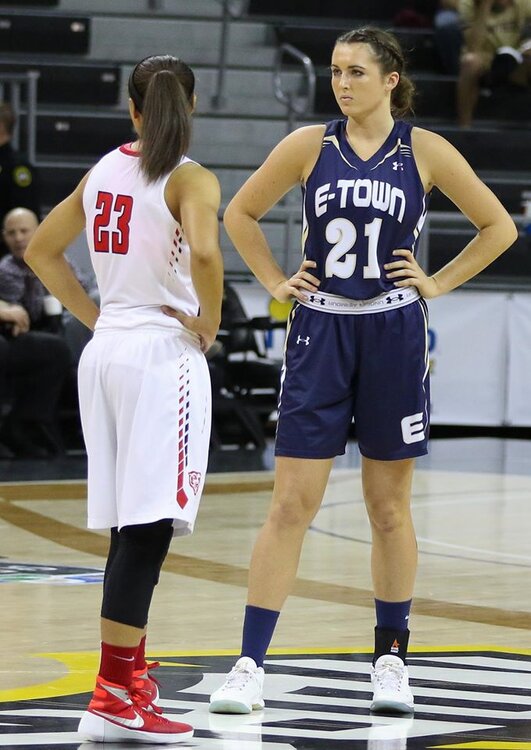
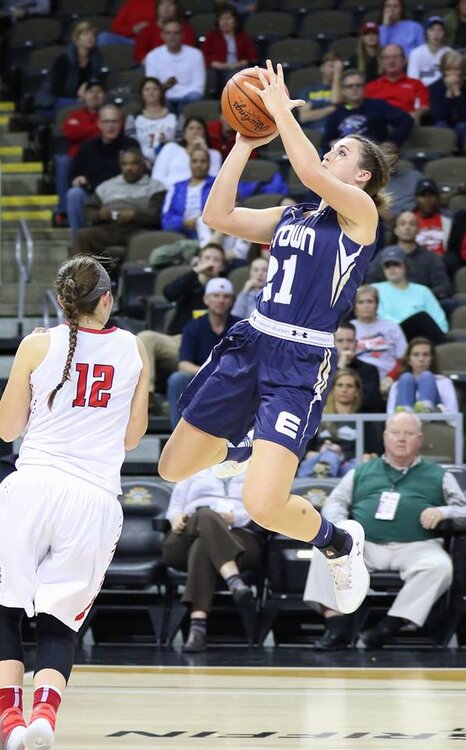
-
I think you are redefining play by play. Break through broadcasting.
-
Thought I saw it all but I guess even I missed a bunch of action. Shame on me for paying attention to the action on the floor.
-
I keep handing him food, he should be ok.
-
All photos from the game. 2
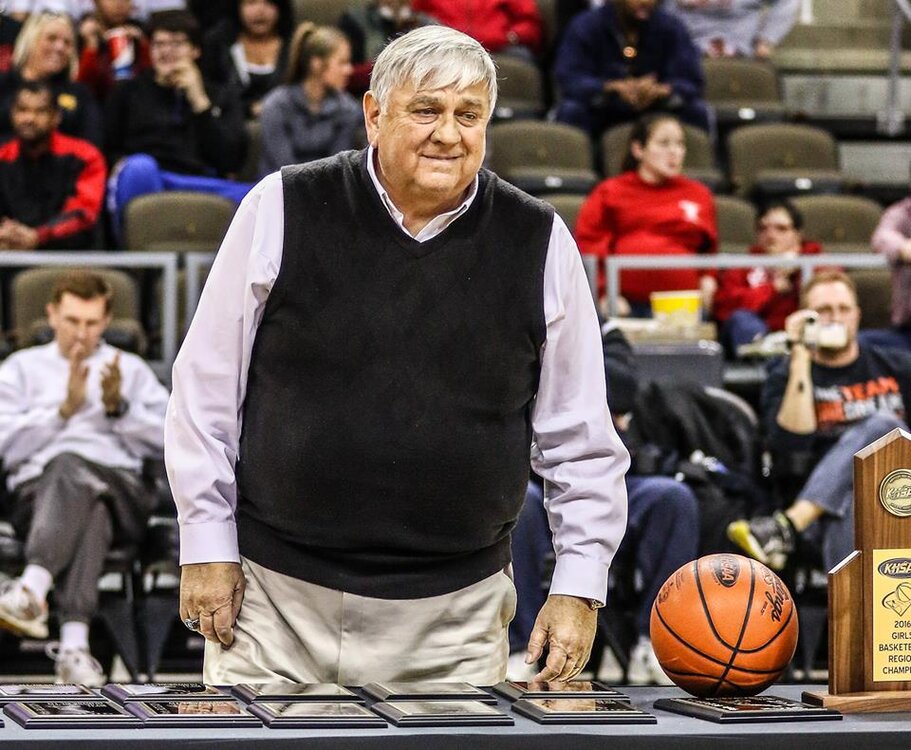
-
Awesome post!
-
CCH v Conner at 1pm HC v NCC at 230
-
Just buckle up, sit back and enjoy this one.
-
Fun game to watch, couldn't figure out what end to shoot because you never want a bunch of pics from the wrong side of the tote board. Two great teams, going at it the entire game. We needed a game like that. Good luck to both teams Sunday in the championship game.
-
Other photos: 2
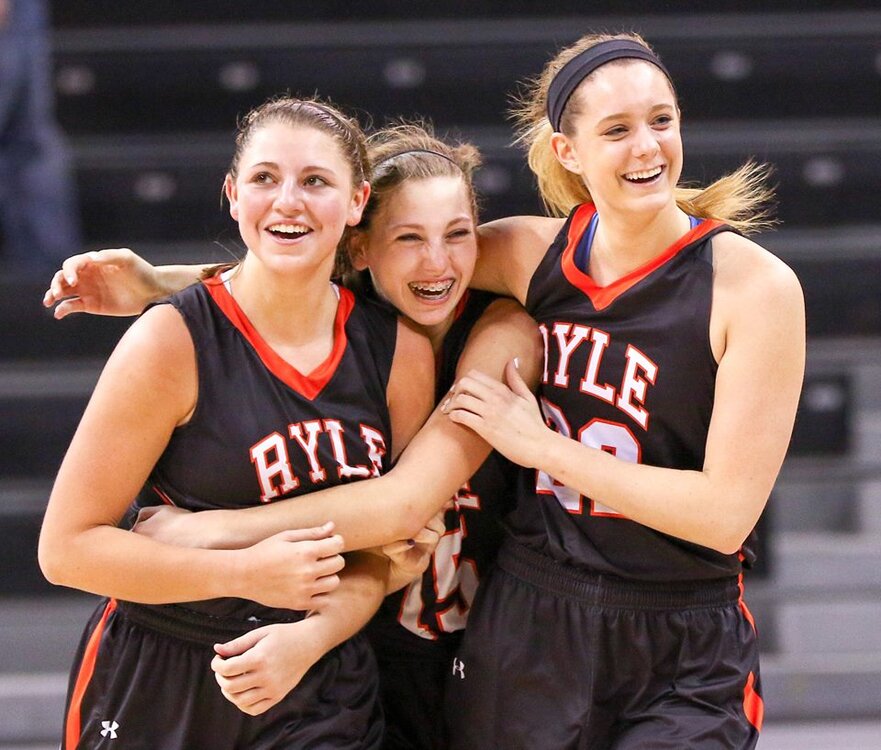
-
Other photos: 2
-
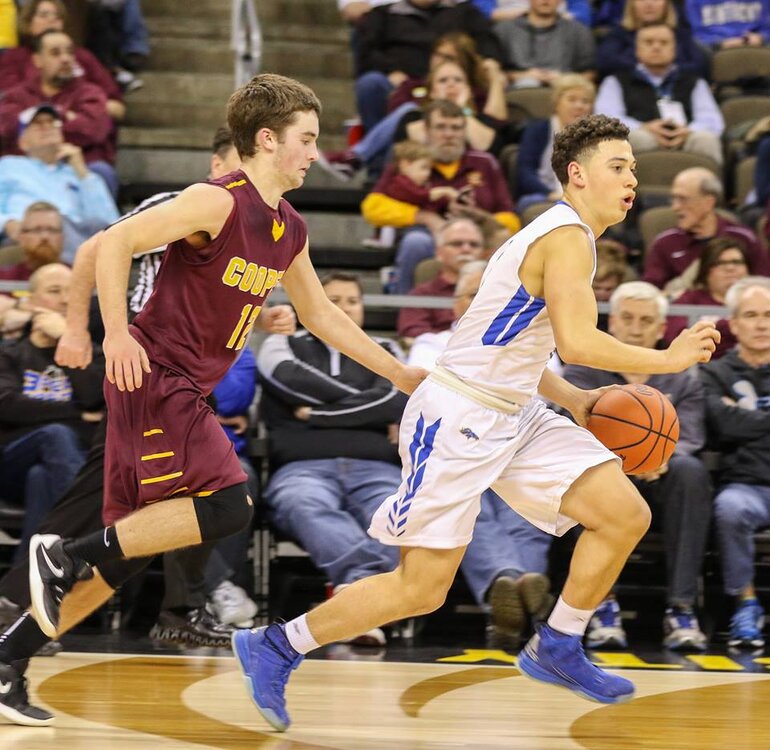
9th Region and BB&T has one thing no other Region can claim to have. Worth the price of admission and multiple expensive hot dogs.
-
Other pictures: 2
-
-
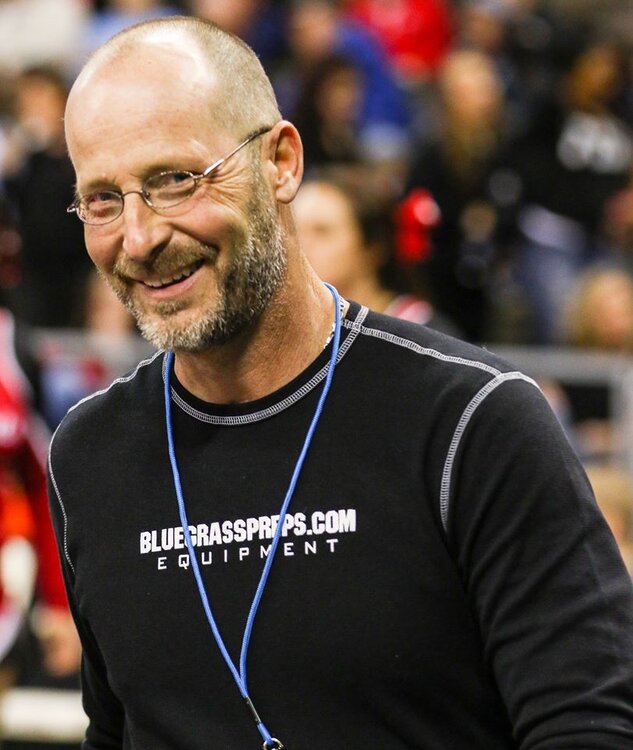
Just pretend to be a photographer, that is what I do.
-
No, the cupboard was bare after the Monday radio guys left. He did dig that Dr. Peper out of the trash though just to get through the night.
-
Other photos: 2

-
Other photos: 2
-
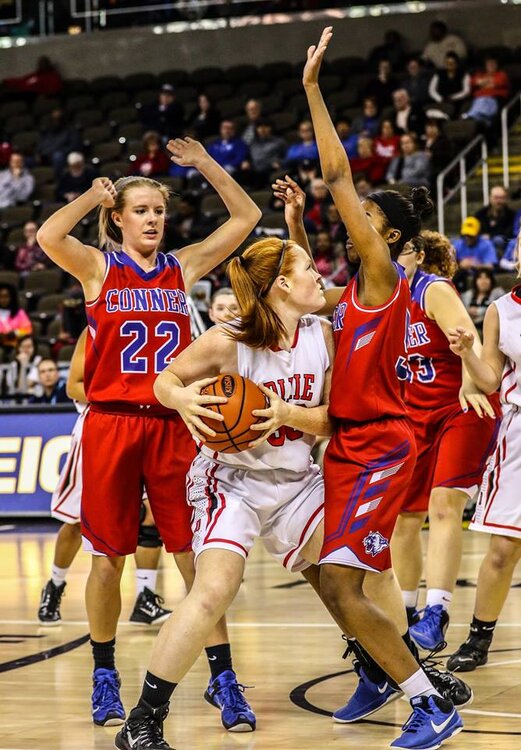
ArrrgI have no idea but what Region has the largest attendance when you combine boys and girls each year?I am not aware of that, but there is no reason I would know it to be true or false. I always see several media guys with laptops in hand now. Full access to internet. So in the past perhaps but not now.