Da-Man
10 Post Members
-
Joined
-
Last visited
Everything posted by Da-Man
-
wow.
-
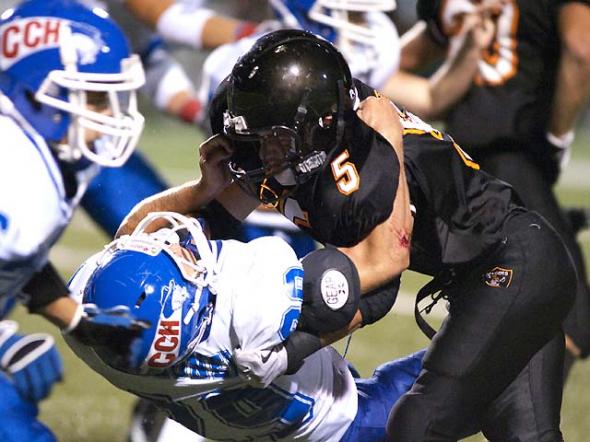
Black hat on right... Give me a break. This will never wind up on BGP...
-
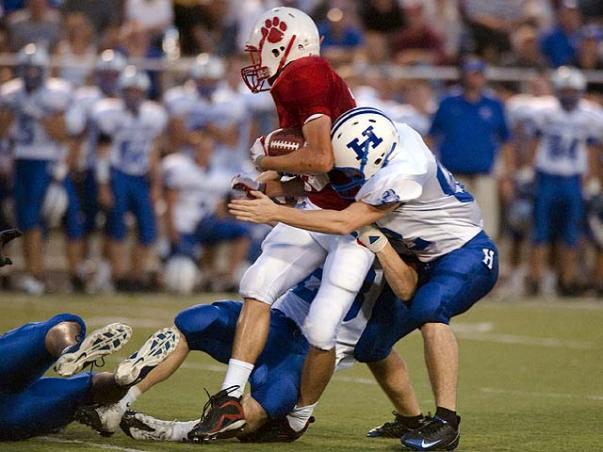
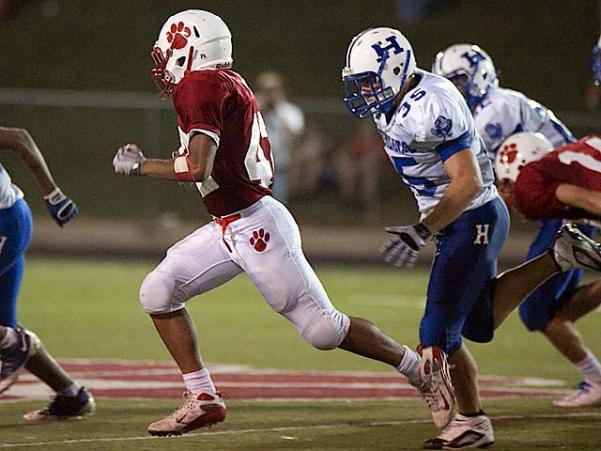
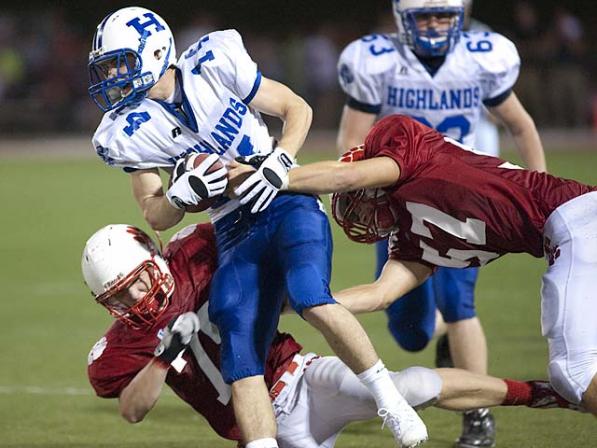
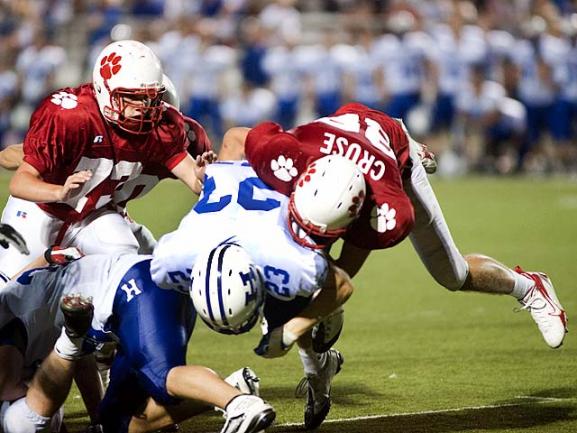
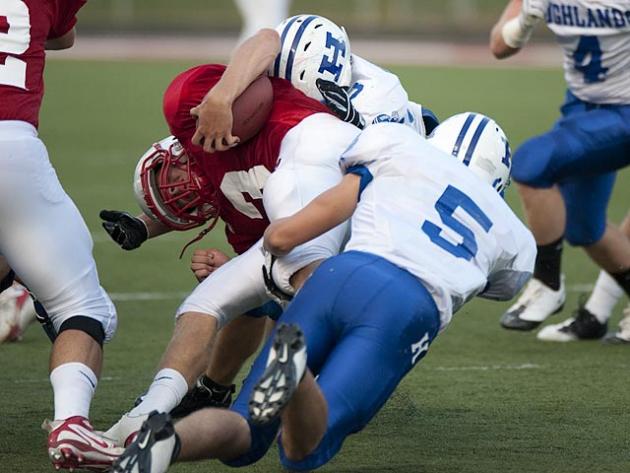
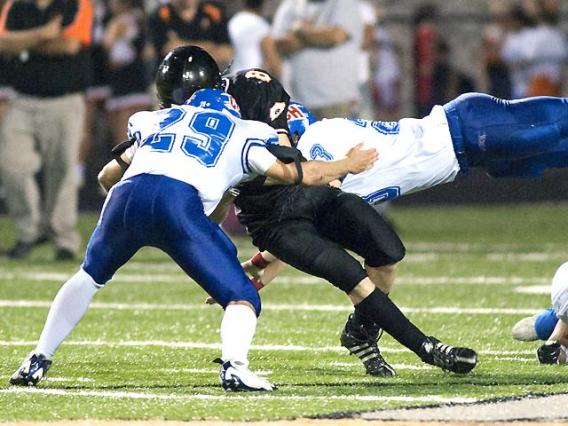
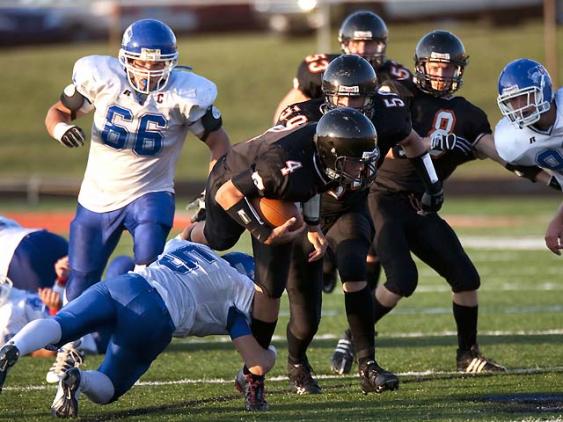
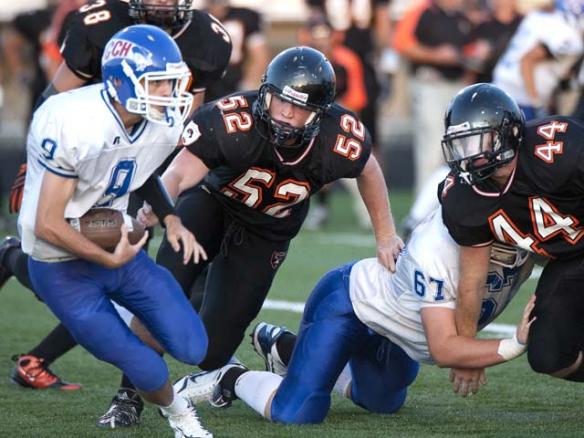
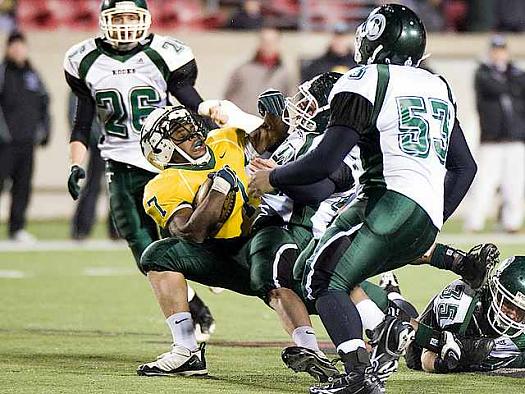
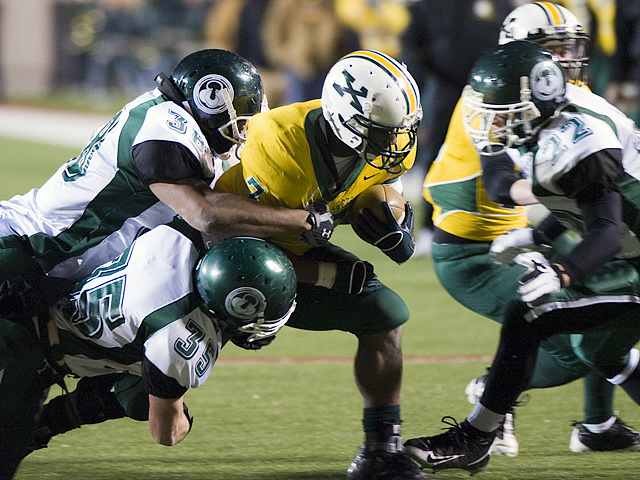
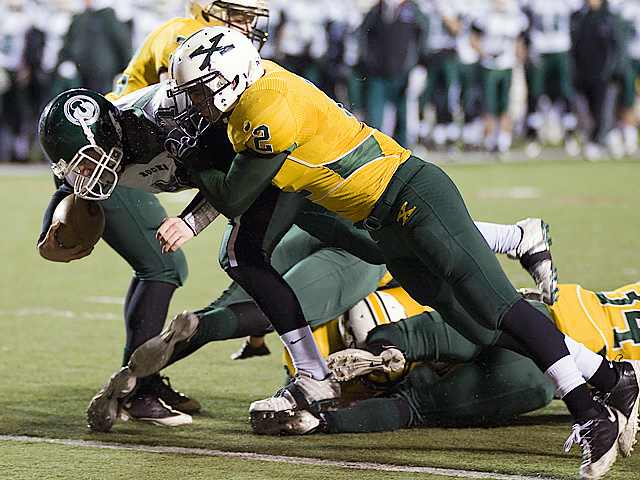
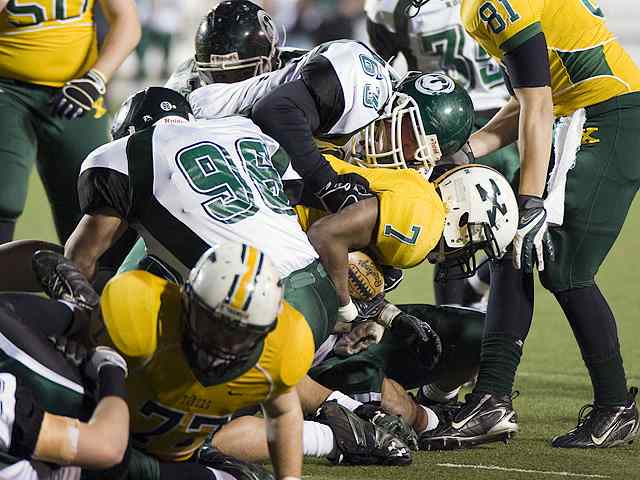
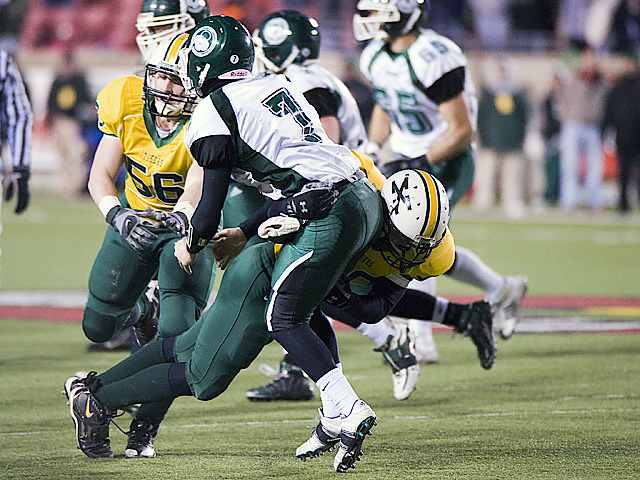
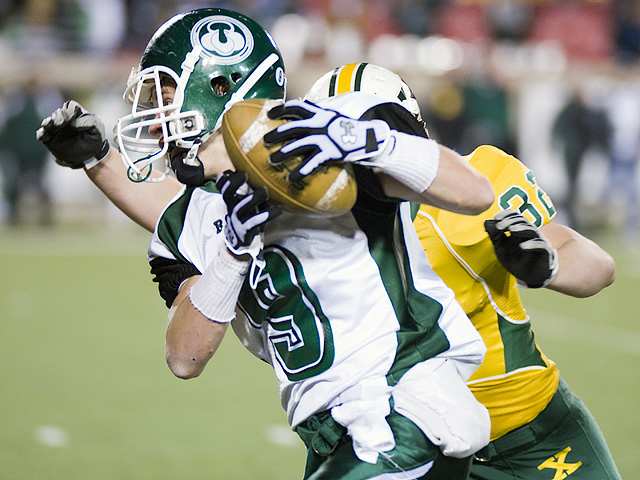
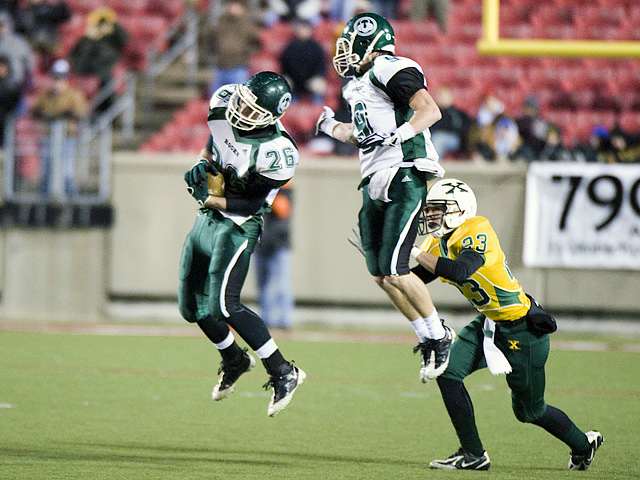
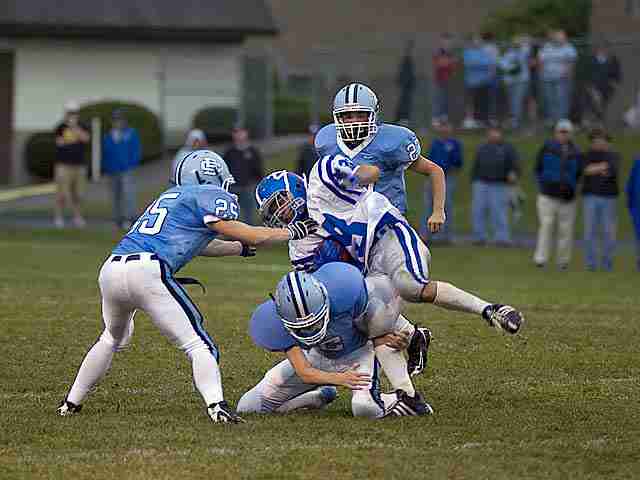
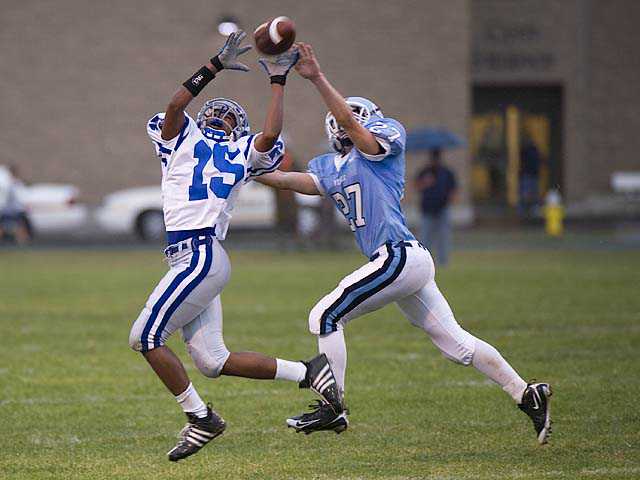
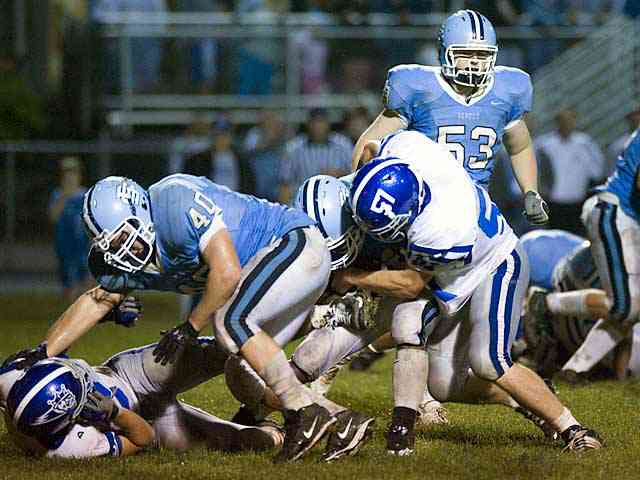
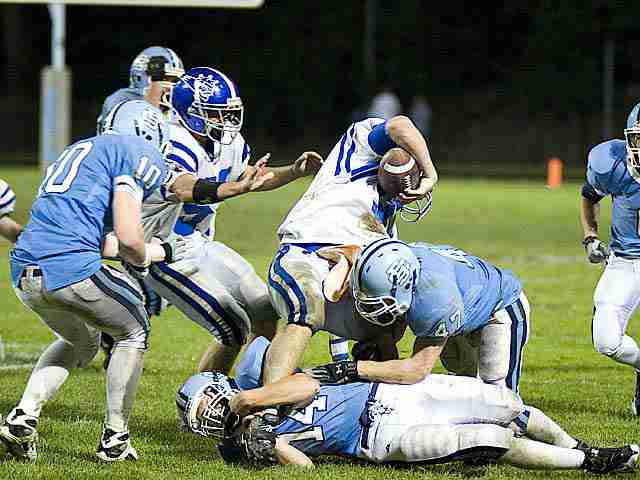
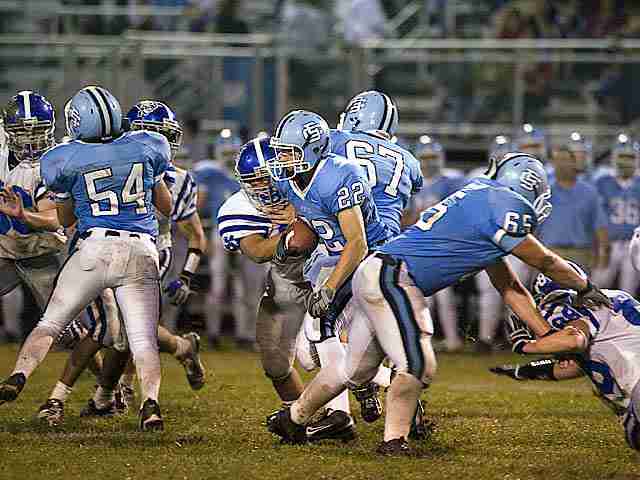
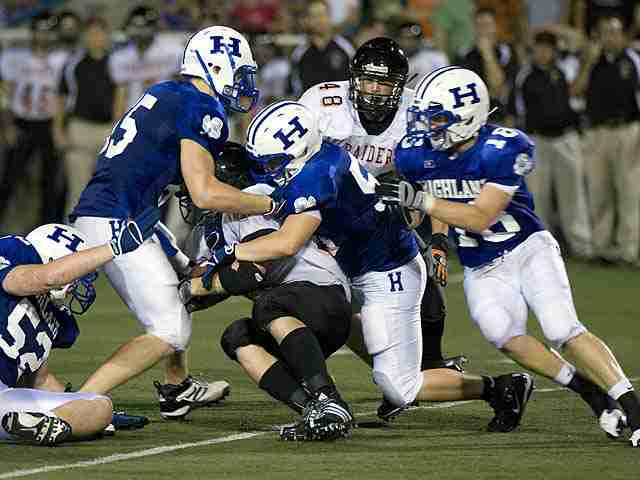
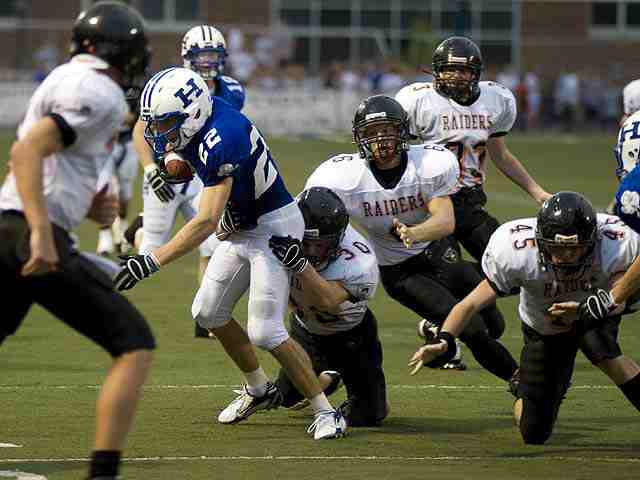
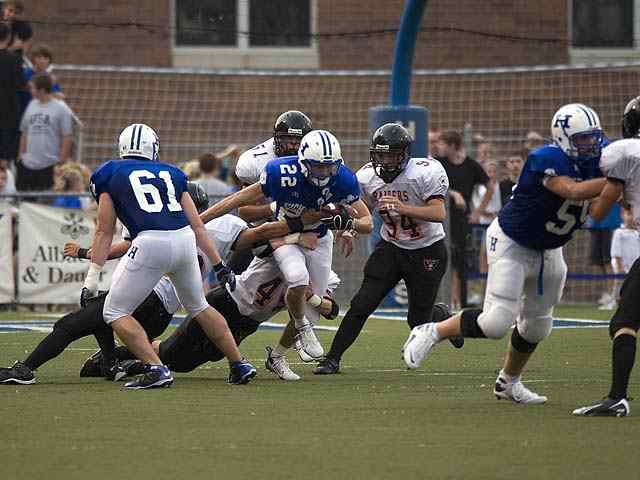
I'll be there bundled up like the little brother from a Chirstmas Story... lolThanks.. These are highly compressed to so they can be posted in the thread. The full size ones are all that much better. And there were a lot of great shots from this game..Here are some pics from the game.. Gave some more to Ru to post in here too..
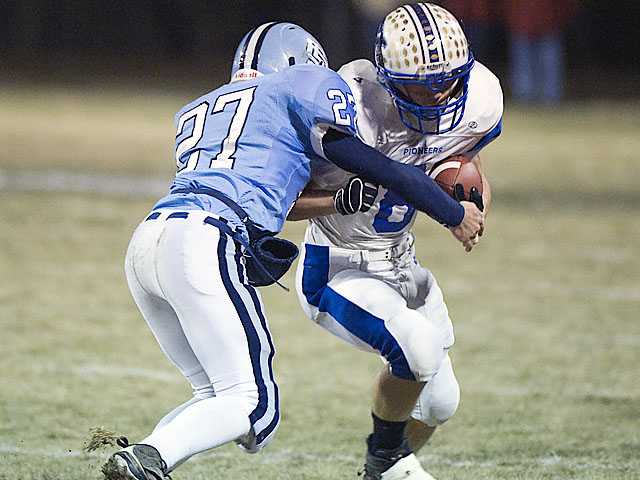



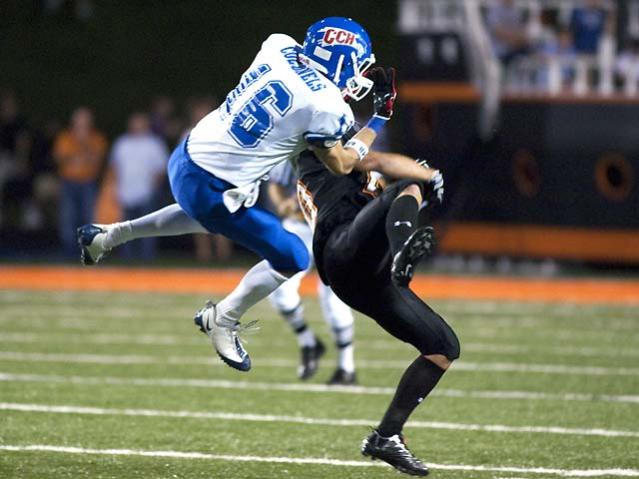
 Wow, this was a great game to be at, perfect weather and a hard fought SK victory...If I had left after the first 3 possesions of the game I would have been shocked at the outcome. From that point on it was like a completly different game.How the heck do they expect me to count to 11 because I only have 10 fingers... Or maybe he was thinking one of these days, one of these days I tell you they will throw the ball to me....I would go so far as to say that was a great action shot... How did you manage to be in the right place at the right time?The Ru did not get in until after midnight last night. I think he wore himself out talking on the sidelines...http://photos.bluegrasspreps.com/
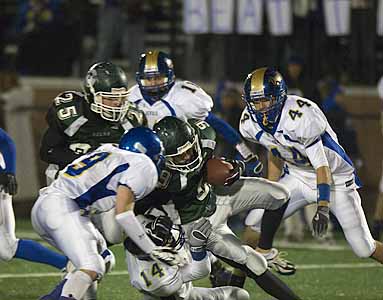 The Ryle vs. Simon Kenton Photos have been posted, check them out. http://photos.bluegrasspreps.com/ Enjoy..
Account
Navigation
Search
Configure browser push notifications
Chrome (Android)
- Tap the lock icon next to the address bar.
- Tap Permissions → Notifications.
- Adjust your preference.
Chrome (Desktop)
- Click the padlock icon in the address bar.
- Select Site settings.
- Find Notifications and adjust your preference.
Safari (iOS 16.4+)
- Ensure the site is installed via Add to Home Screen.
- Open Settings App → Notifications.
- Find your app name and adjust your preference.
Safari (macOS)
- Go to Safari → Preferences.
- Click the Websites tab.
- Select Notifications in the sidebar.
- Find this website and adjust your preference.
Edge (Android)
- Tap the lock icon next to the address bar.
- Tap Permissions.
- Find Notifications and adjust your preference.
Edge (Desktop)
- Click the padlock icon in the address bar.
- Click Permissions for this site.
- Find Notifications and adjust your preference.
Firefox (Android)
- Go to Settings → Site permissions.
- Tap Notifications.
- Find this site in the list and adjust your preference.
Firefox (Desktop)
- Open Firefox Settings.
- Search for Notifications.
- Find this site in the list and adjust your preference.