
Everything posted by AllenR
-
All pictures will be here


 Just recv'd message from field. NCC 3 Beechwood 2 FinalWith just a little over 7 minutes left, NewCath is up 3-2. Lightning delay.If you are going to the game, take some OFF. I was nearly eaten alive at Tower last night. My experience is that Morscher is much worse.This is a prediction, correct? KHSAA has them playing tonight.Pretty sure that is a "prediction". KHSAA has them playing tonight. Not sure of location. I've seen both locations.These 4 will be missed! :cry:
 All images will be here, eventually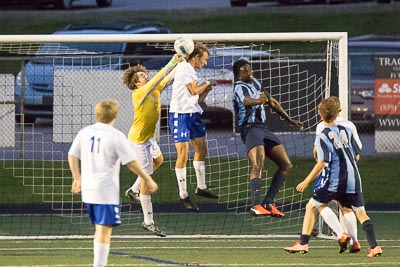
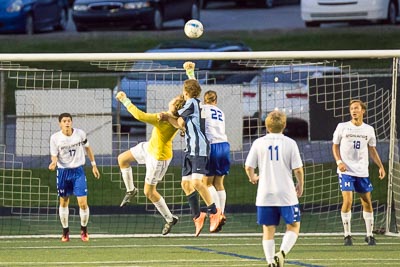

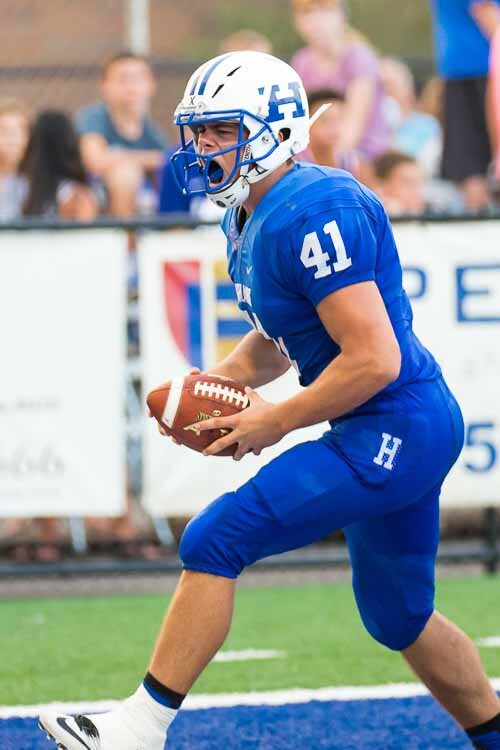
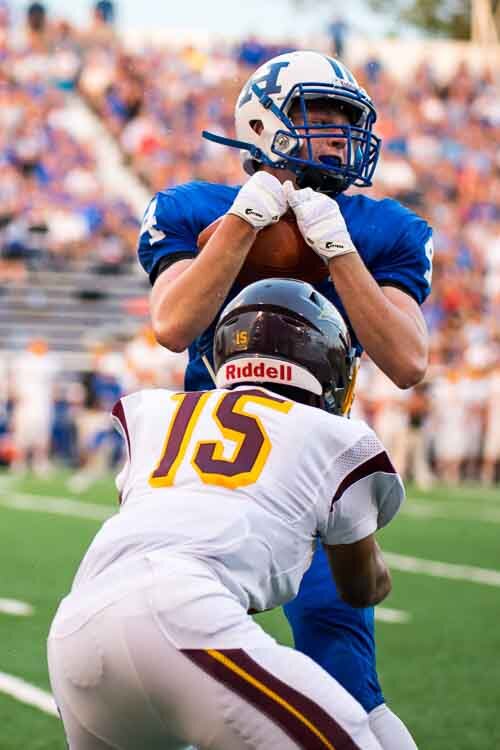
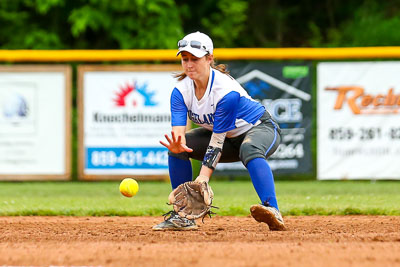
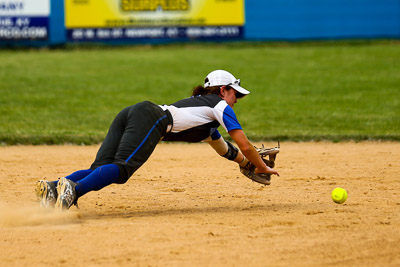
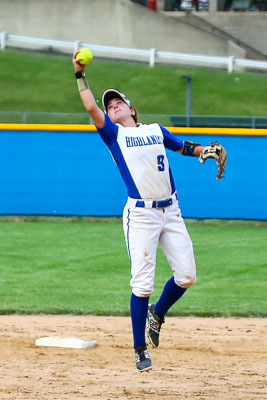
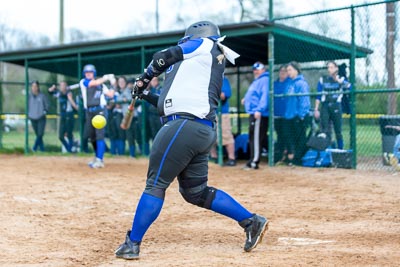
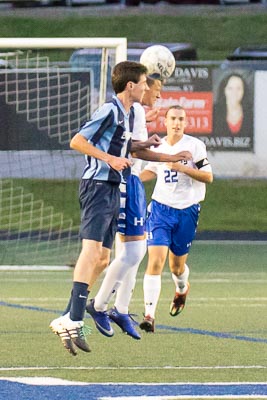
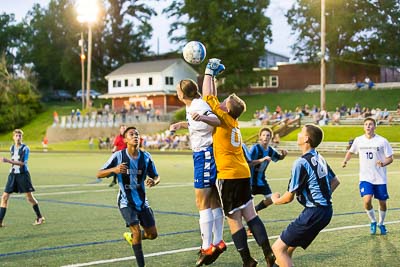
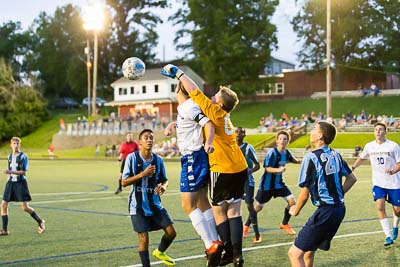
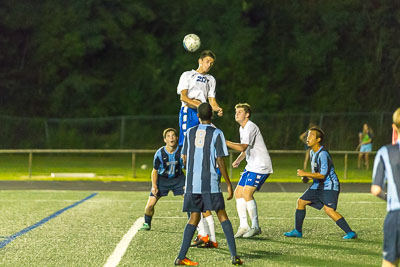 per KHSAAMortification or just the conversion to full calendar weeks instead of starting and ending mid week?All images from the game are here


 All images can be found here


 All images located here


 All images located here
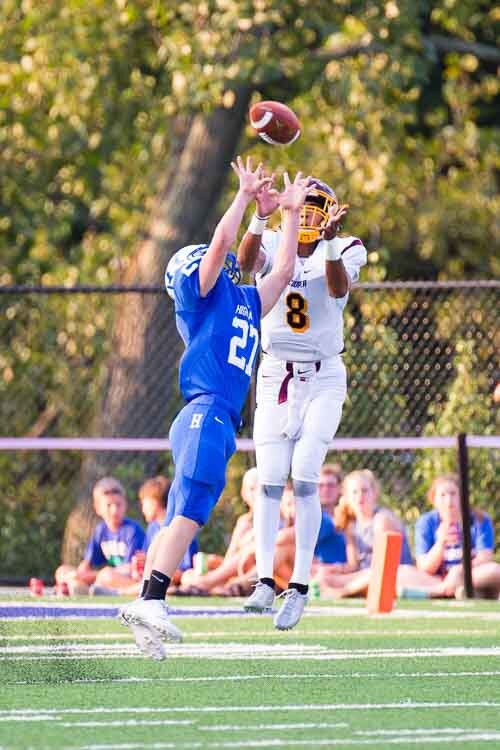





 Nice thread LB!Good thing they don't throw unsportsman like conduct flags at volleyball games!I've often wondered about that too...







Account
Navigation
Search
Configure browser push notifications
Chrome (Android)
- Tap the lock icon next to the address bar.
- Tap Permissions → Notifications.
- Adjust your preference.
Chrome (Desktop)
- Click the padlock icon in the address bar.
- Select Site settings.
- Find Notifications and adjust your preference.
Safari (iOS 16.4+)
- Ensure the site is installed via Add to Home Screen.
- Open Settings App → Notifications.
- Find your app name and adjust your preference.
Safari (macOS)
- Go to Safari → Preferences.
- Click the Websites tab.
- Select Notifications in the sidebar.
- Find this website and adjust your preference.
Edge (Android)
- Tap the lock icon next to the address bar.
- Tap Permissions.
- Find Notifications and adjust your preference.
Edge (Desktop)
- Click the padlock icon in the address bar.
- Click Permissions for this site.
- Find Notifications and adjust your preference.
Firefox (Android)
- Go to Settings → Site permissions.
- Tap Notifications.
- Find this site in the list and adjust your preference.
Firefox (Desktop)
- Open Firefox Settings.
- Search for Notifications.
- Find this site in the list and adjust your preference.