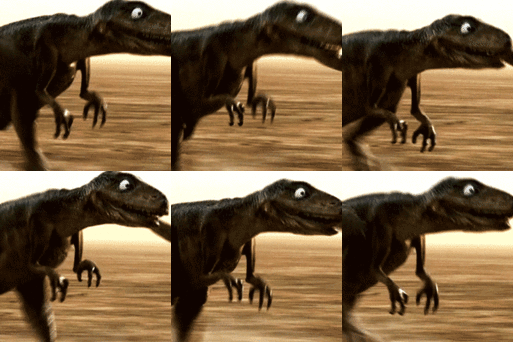
February 26, 201412 yr I had a technical question about our profile avatars. I noticed that Jumper_Dad has an animated avatar (the flashing Briar Jumpers sign). My dinosaur avatar is actually an animated GIF file, but it did not show up that way when I uploaded it to BGP. Is there something I needed to do differently or is that just one of the privileges of being "green"?!!
February 26, 201412 yr Good question...:lol2: I've thought about temporarily changing mine from time to time but I've never been able to recreate it and make it flash on other sites so I'm afraid I'll screw it up on here. Therefore I guess I'll be the flashing neon BRIAR JUMPERS from now on. Others have had them too, so I know it still works just not sure exactly what format you need to use to make it work. This has been mine for so long I can't even find the site where I generated it at.
February 26, 201412 yr Author I didn't create mine. Like I mentioned, it is an animated .GIF file that was created for me. The dinosaur is supposed to be walking and acting in a very menacing manner. But on BGP, it acts like a normal photo (which is OK until I saw your avatar).
February 26, 201412 yr Author Make sure the file isn't larger than 150 by 150 pixels or 14.6 KB :cry: It is 50 KB.
February 26, 201412 yr Everytime I look at dino-pete's avatar I hear the voice from the Toy Story dinosaur.
February 26, 201412 yr LOOK AT ME NOW!!!!!! HAHAHAHAHAHAHA! GOSH, I'M GOOD! I don't even know how you type.
February 26, 201412 yr Is there something I needed to do differently or is that just one of the privileges of being "green"?!! Nope. I got nuthin.
Archived
This topic is now archived and is closed to further replies.