kls41
Standard Membership
-
Joined
-
Last visited
-
Hey ChiefSmoke - Where can we find the link to this podcast?
-
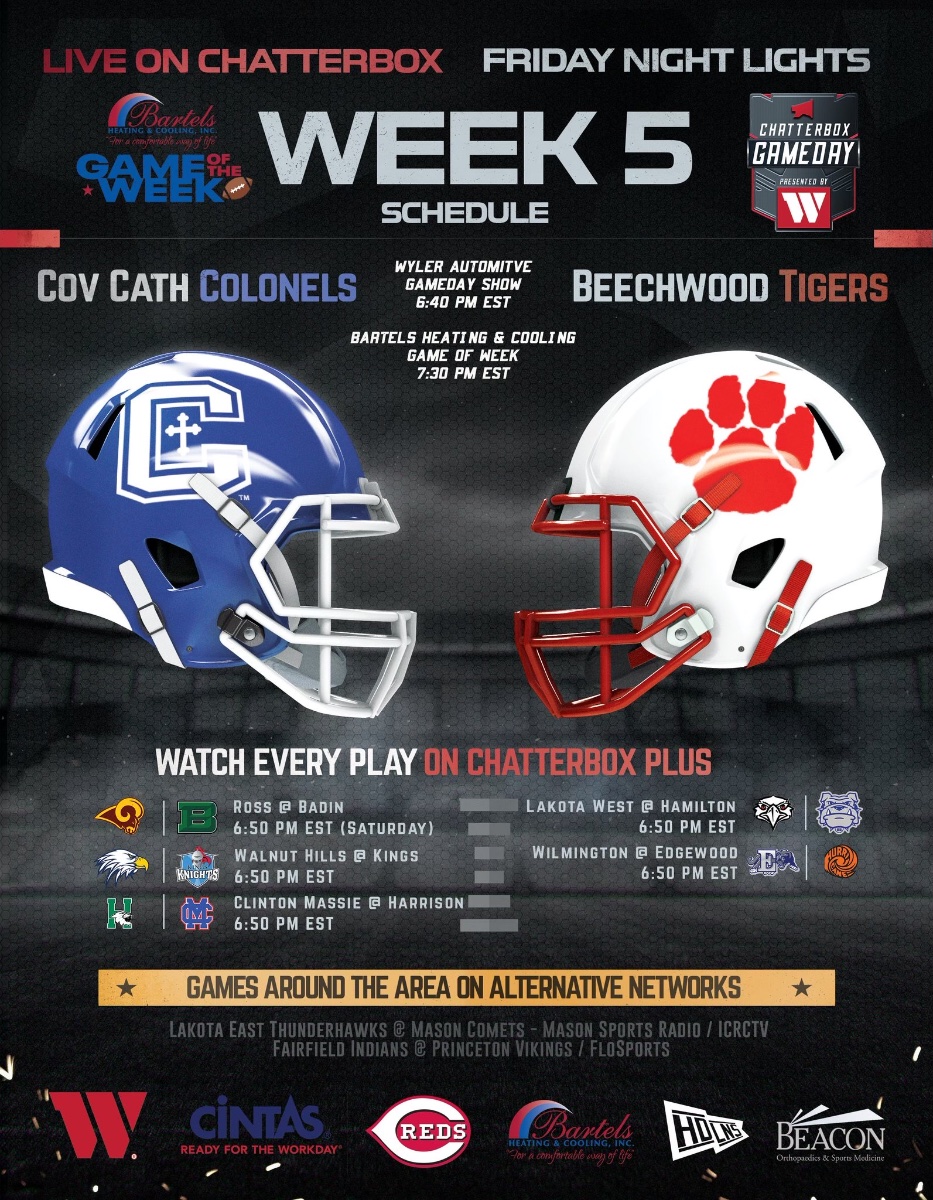
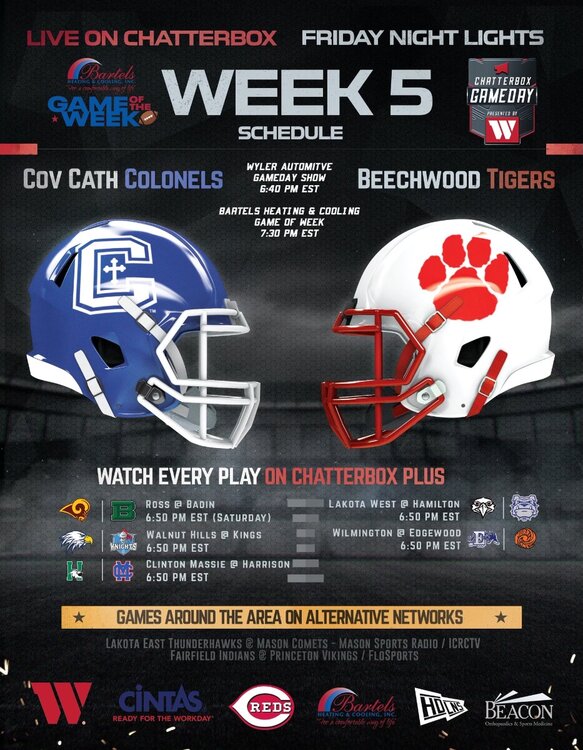
Actually, its 6pm on Friday at Beechwood.
-
Yes. There’s been a handful dressing since Walton. Now a few more will dress.
-
There were 2 starters out and a 3rd who gets a lot of time.
-
Correct - it became a game of balancing quarters each week. Also assuming JV will be needed down varsity stretch based on schedule after CCH.
-
Here's the BW Audio: Beechwood Tigers v. Dixie Heights Colonels (mixlr.com)\ Also, Mixlr has an app that's handy to search up games.
-
He only played two games as a sophomore. His first against CCH with similar results as this game. The next game against SK he was concussed and only did Defense once he was allowed to return. Didn’t take another snap till Clay was unfortunately injured. Then had very similar games like this all year.
-
LCA reclassified key players too. Not sure why BW is taking the all the heat?
-
I would try @6:40.
-