
paNDA
Former Member
-
Joined
-
Last visited
-
Game was tied with 8 seconds to go. Pelfrey 3 put them up by 3.
-
Ryle with just too many quality weapons.
-
Load the KHSAA app on your phone. Easy and free and has every score as it happens.
-
I attended both boys and girls games and watched replays for 10 buck. Atmosphere was pretty nice regardless of size of the crowd. Kids were in awe of Rupp. Me too.
-
$10 bucks to watch all games on internet. Wonder how many took advantage of that. Got to be a big number. And this had to hurt attendance.
-
How does that attendance compare to previous years?
-
Lace em up, time to roll.
-
Beechwood. Tough row to hoe but they are playing as well as anyone.
-
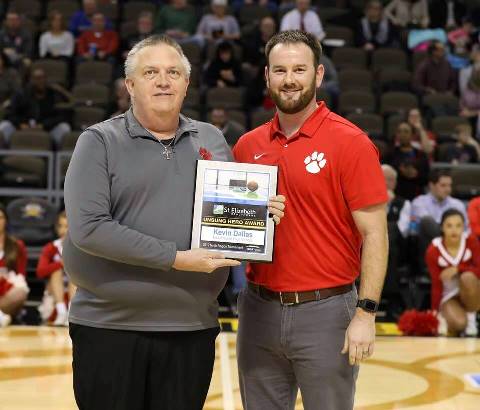
One of the proud award winners from last night!
-
One of my favorites, Happy for her.
-
Someone said it’s been ten years since they went to Regions. Unverified but the word last night at the gym.
-
Senior Night, hard to beat a team at home on senior night but these are two very explosive teams. Should be a good one for the fans. Come on out. I plan to be there.
-
For me it is simply enough to just watch these games play themselves out. Great year for NKY girls basketball. Polls don't do much for me. Play on. Lovin it.
-
Good to not be undefeated. Who needs that monicker. Great win for Boyd, learning op for Ryle.
-
Ludlow is looking great! Teamwork and hustle are keys to their success. They just want to win.....
