
BigBlue92
Standard Membership
-
Joined
-
Last visited
Everything posted by BigBlue92
-
-
Another fight that left 3 players suspended.
-
I’m guessing the time and score is wrong because they all say zero
-
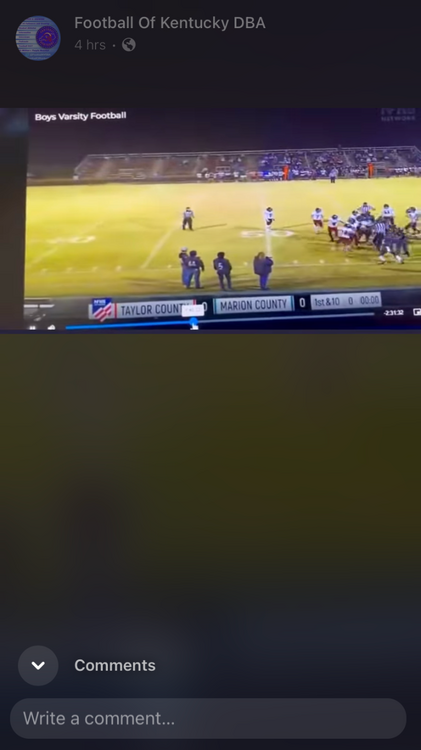
The fight was at the beginning of the game score was 0-0 at least that’s what the video showed,it appears #21 from Taylor co started it with a shove but I didn’t see #1 but it was hard to see who was who after jerseys started rushing in
-
Honestly wish they would stick to to keeping Ryder and White in the back field,it’s almost unstoppable.Then switch it up a little with White as a slot receiver,he had more receving yards then any of Tilghman’s other receivers.
-
Tilghman’s has 4 starting defense I’ve players out and there is still no reason they should be playing like this,the entire stands is questioning the play calling,it just feels like hey nobody can stop our run game so we’ll stop it by throwing the ball
-
I can’t for the life of me understand why Tilghman’s won’t just run the ball.
-
Completely agree lots of improvements.They still need to cut down on the penalty’s also.
-
Mayfield should be able to decide whatever score they want in this one.
-
Thanks been a observer for years,figured I’d stop freeloading.
-
Any links to Union County games?


