3-Peat Tiger 71
Former Member
-
Joined
-
Last visited
-
28-0 Tigers!!
-
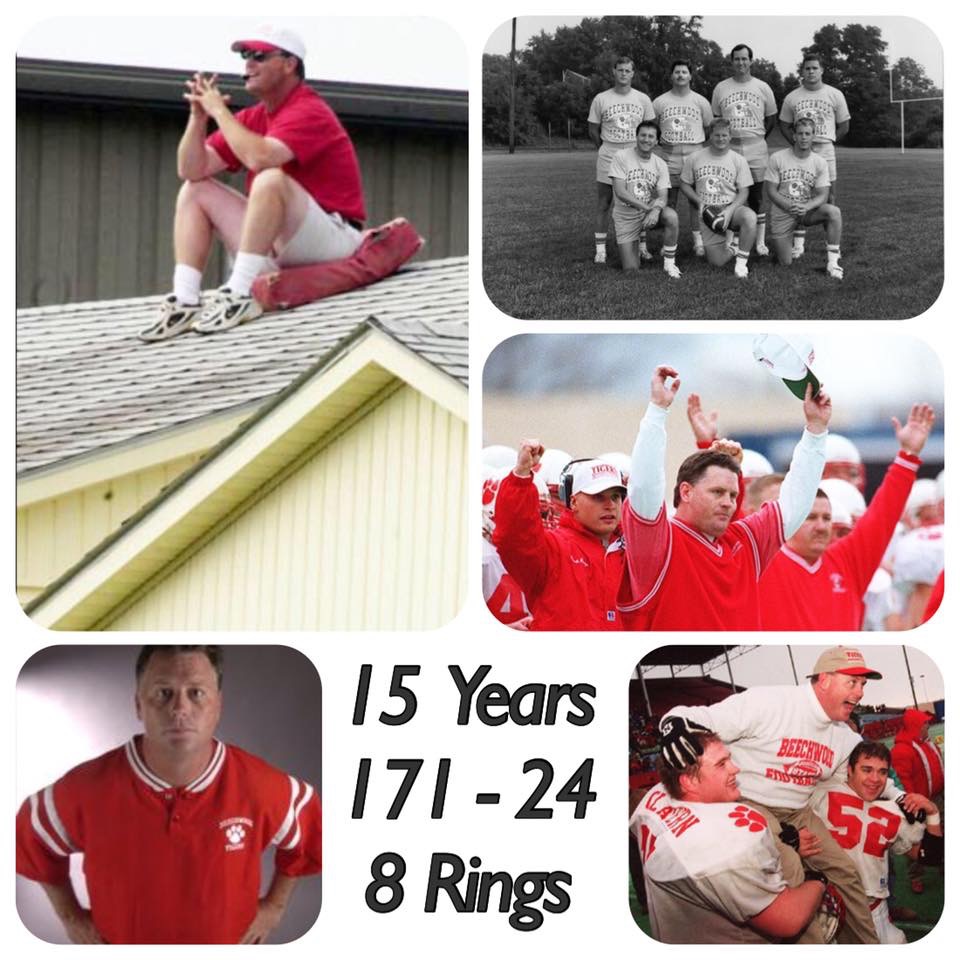
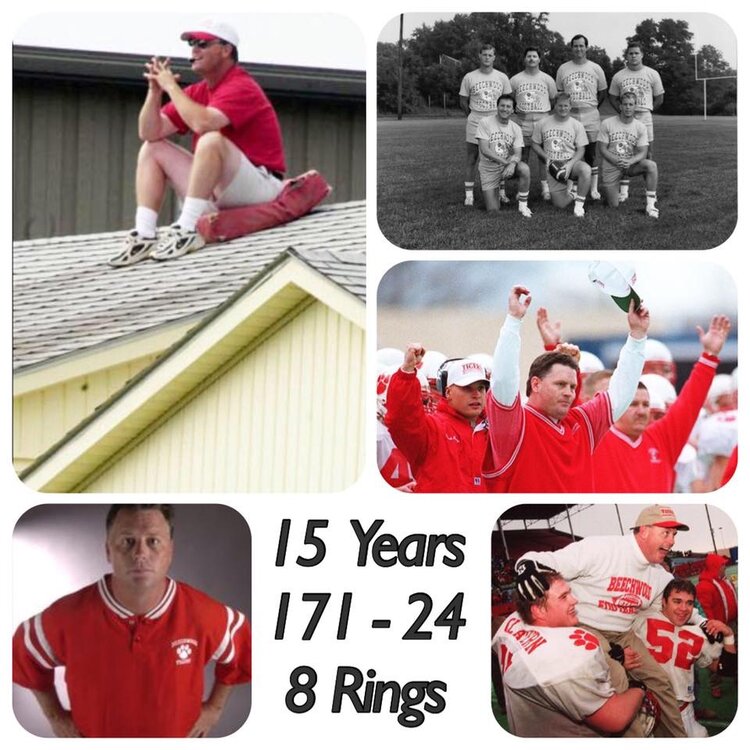
Pretty cool picture of Coach Yeagle!
-
Beechwood also beat the #3 in AAA Corbin Redhounds!
-
Beechwood BIG!!! IMO Tigers are clicking on all cylinders right now! Good Luck to both teams on a great, injury free game! Safe travels to all. Go Tigers!!!
-
Is the field next to the school? For address purposes on my GPS. Go Tigers!!!
-
21-7 Tigers
-
Go Tigers!!! 28-24 Good guys!
-
Didn't Beechwood beat CCH 10 yrs in a row at one point? Or something like that....Should that EVER happen? NO RESECT EVER!!!
-
Not surprised from a Mayfield fan! I love Noel, but he'll never be Yeagle!!! Yeagle would've figured Y'all out after '95 and never looked back since had he been himself! Not taking ANYTHING away from Mayfield! Unbelievable program and unbelievable success, but Beechwood has never been the same since Yeagle's demise!
-
Not just any class A school! Beechwood! I've been on here long enough to know that Beechwood is NOT your typical class A school. People need to realize that Beechwood is way bigger than class size! It's all about Brotherhood!!!
-
Winners don't care who the play!!! I'll be there Friday and whomever shows up is getting steamrolled!!!
-
CCHOr how good is Beechwood? Sometimes I feel guru you aren't a proud Beechwood Alum! Go Tigers!!!I'll take and hope for Beechwood!!! 35-28 Should be a hell of a ball game! Good Luck to both teams for no injuries! Have a safe trip Redhound faithful!!