Walter
Standard Membership
-
Joined
-
Last visited
Everything posted by Walter
-
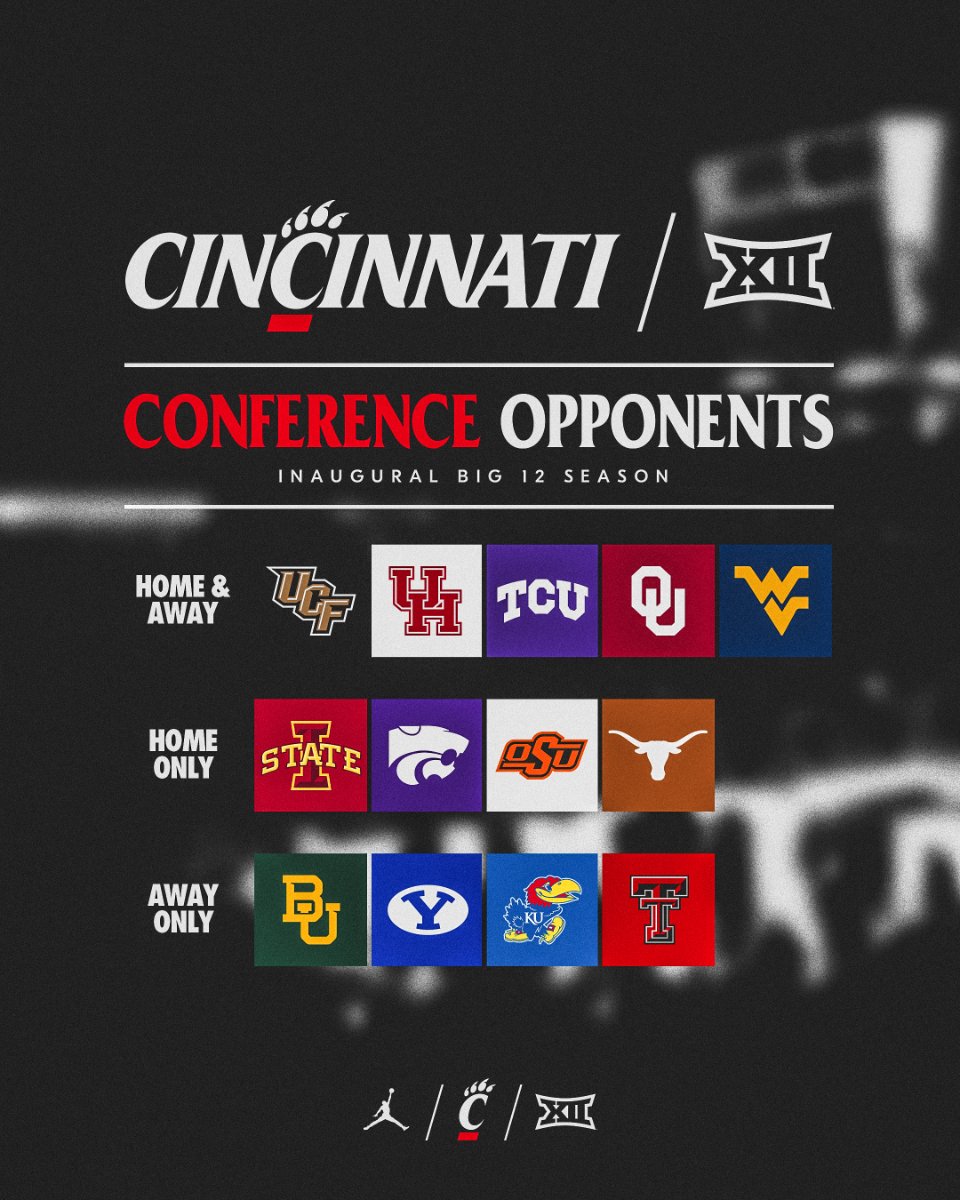
A pro rata was built in to the new Big 12 contract that would allow each team to keep their current distribution as long as another P5 team is added. That is why Colorado will get a full share of the B12 tv revenue next year but UC, BYU, Houston, and UCF are only getting a portion. Fox will basically re-distribute the funds as Big 12 members instead of Pac 12. There was also a clause built in to the new Big 12 deal that allows them to re-negotiate if P5 teams are added.InterestingThinking sometime in the next month or two Arizona will also make their intentions of joining the Big 12 public.Colorado to formally apply for Big 12 ThursdayA little disappointed they didn't get Kansas or Baylor at home but definitely excited to make those road trips this season.Prater was moved because of a shoulder injury. Emory Jones was going to be the QB regardless, but Evan's options were get surgery and sit out the year or move to WR and still get work in and be able to play this year. He chose the position change.
Account
Navigation
Search
Configure browser push notifications
Chrome (Android)
- Tap the lock icon next to the address bar.
- Tap Permissions → Notifications.
- Adjust your preference.
Chrome (Desktop)
- Click the padlock icon in the address bar.
- Select Site settings.
- Find Notifications and adjust your preference.
Safari (iOS 16.4+)
- Ensure the site is installed via Add to Home Screen.
- Open Settings App → Notifications.
- Find your app name and adjust your preference.
Safari (macOS)
- Go to Safari → Preferences.
- Click the Websites tab.
- Select Notifications in the sidebar.
- Find this website and adjust your preference.
Edge (Android)
- Tap the lock icon next to the address bar.
- Tap Permissions.
- Find Notifications and adjust your preference.
Edge (Desktop)
- Click the padlock icon in the address bar.
- Click Permissions for this site.
- Find Notifications and adjust your preference.
Firefox (Android)
- Go to Settings → Site permissions.
- Tap Notifications.
- Find this site in the list and adjust your preference.
Firefox (Desktop)
- Open Firefox Settings.
- Search for Notifications.
- Find this site in the list and adjust your preference.