
1959
Suspended
-
Joined
-
Last visited
Everything posted by 1959
-
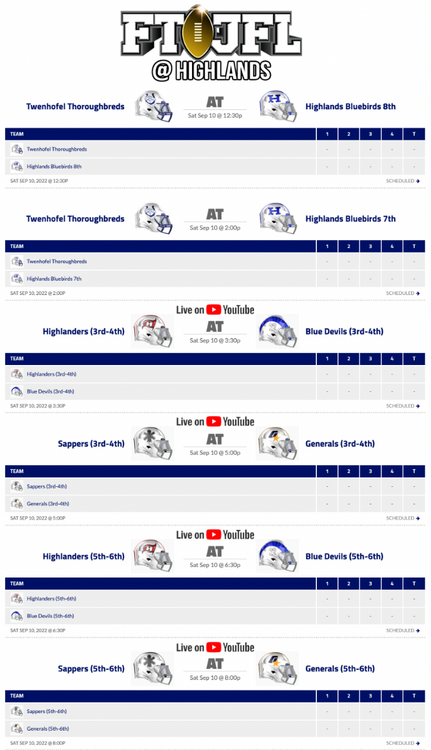
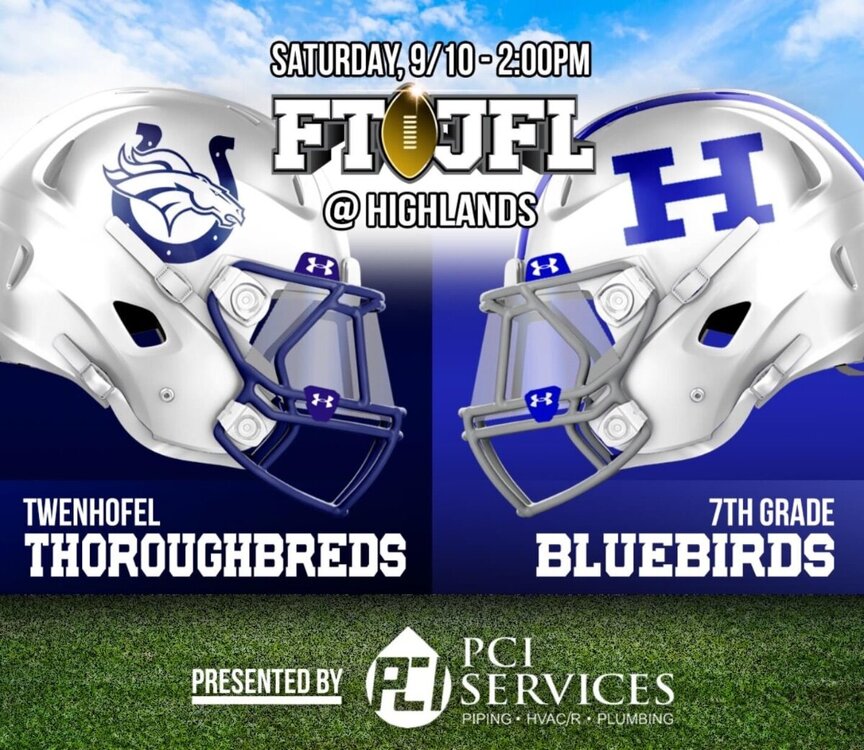
Game Day! This link is also a great reference provided by the NKMSAA each week.
-
Good luck to both schools
-
Highlands 35 Campbell 22 Birds looked sharp. 28-0 at half.
-
Highlands 8th (41) Rebel Youth (0) Highlands 7th (30) Rebel Youth (6)
-
It was not just for seniors. There are still a bunch out there. This will go on for years. And that’s all I have to say about that.

-
Not a good guess. Predictable. Thank you.
-
Lemme guess. Mayer and Campbell.
-
Pretty sure Colonel Youth has one 7th grade team that plays in the NKMSAA (these have to be parochial school kids). Their main 8th grade team plays in the GCL youth league (these can be public school kids). And they have an 8th grade B team that plays the small NKY schools in the NMKSAA (parochial).
-
Any games live streamed. I know highlands Frosh home games are on YouTube.
-
I believe that’s Gabe Williams. #18 for Turkeyfoot 7th was impressive as well. Good looking group of players on both sides of the ball last night.
-
Turkeyfoot 7th (12) - Highlands 7th (8) Highlands 8th (21) - Turkeyfoot 8th (6)
-
HMS Birds 7th (43) - Summit View 7th (0) HMS Birds 8th (44) - Summit View 8th (0)7th Grade HMS Birds (14) Union Raiders (12) 8th Grade HMS Birds (27) Union Raiders (14)