BirdsJustWin
Former Member
-
Joined
-
Last visited
-
Congrats, Birds! Enjoy this one for a day and get ready for the Black Friday match up. Next week cannot have a start like this one.
-
BAD! Just bad. That's all I'll say for now
-
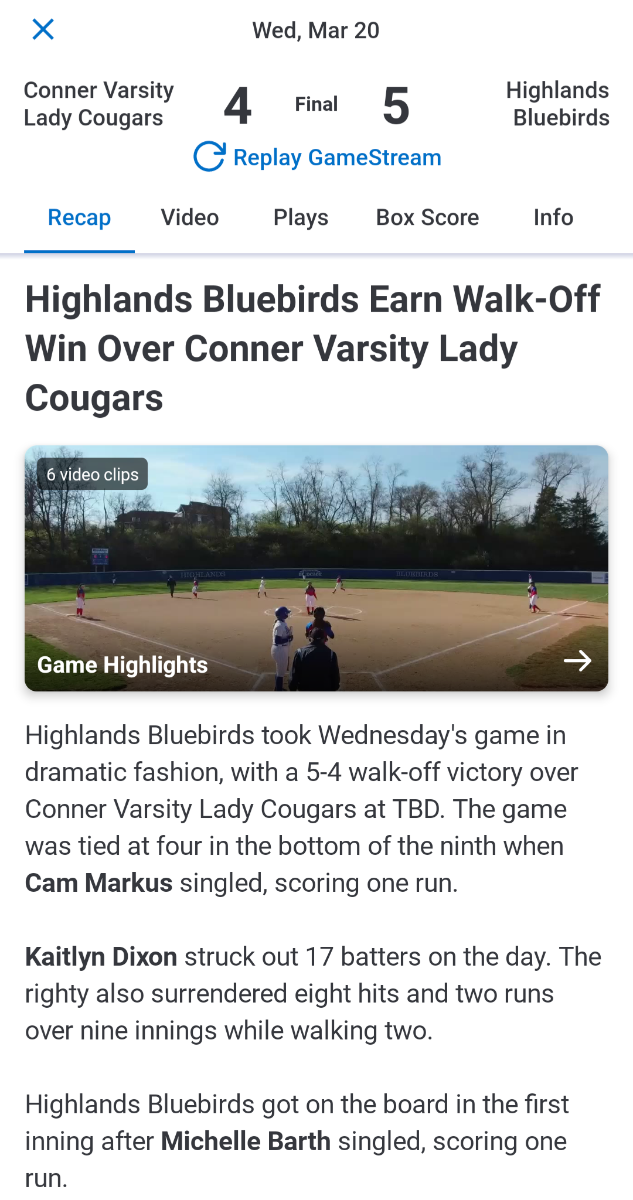
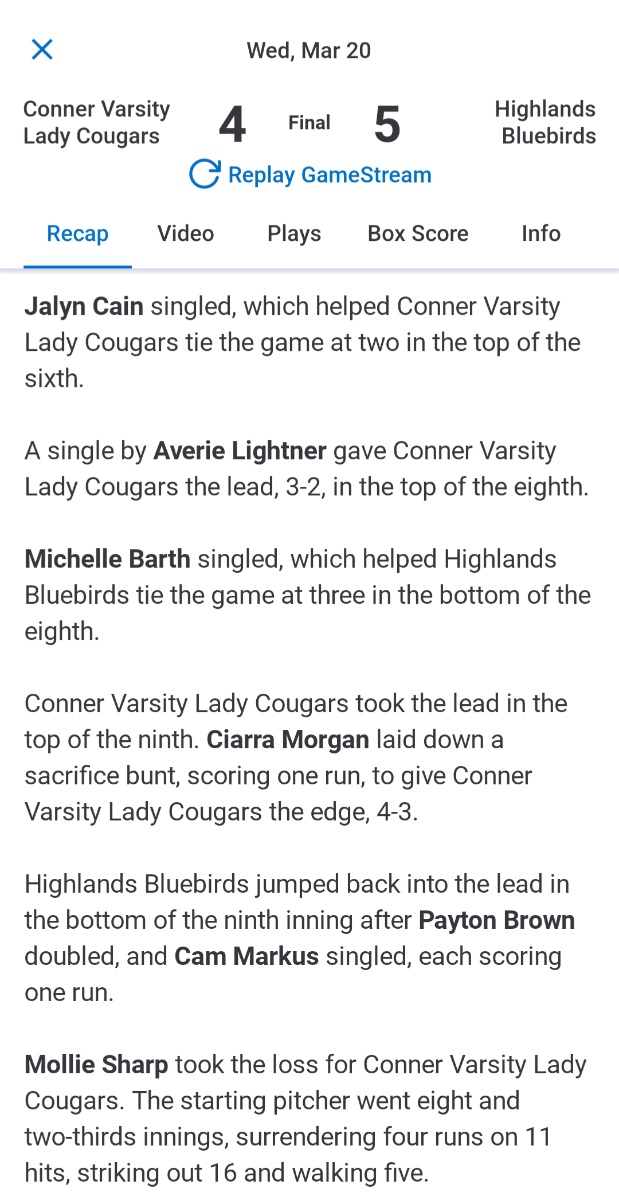
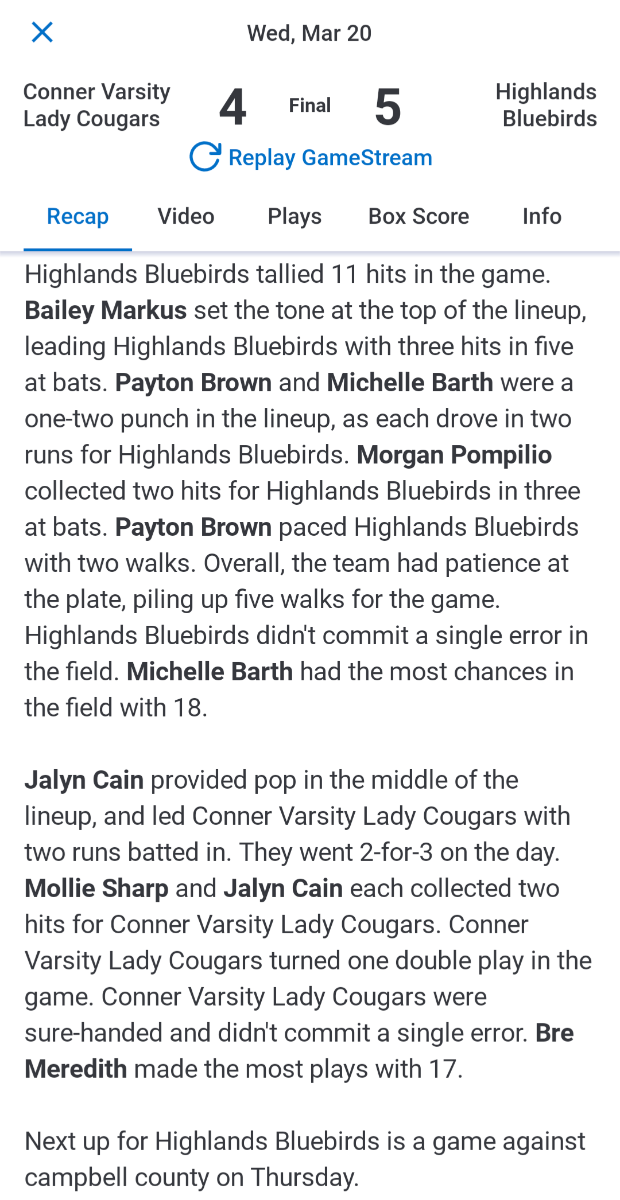
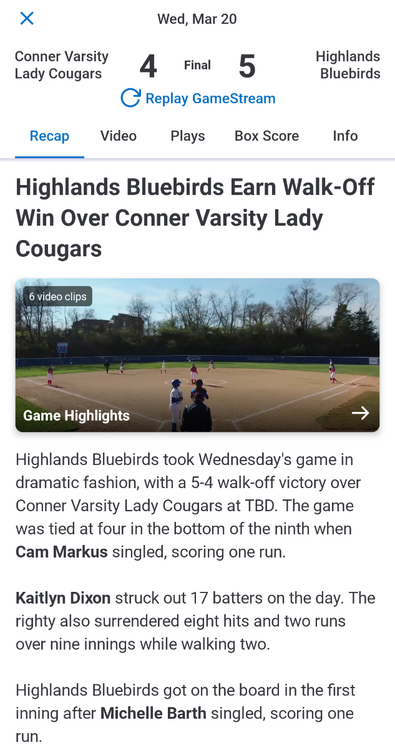
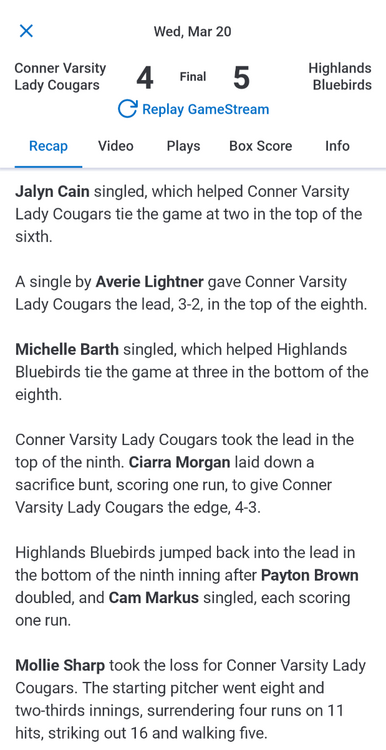
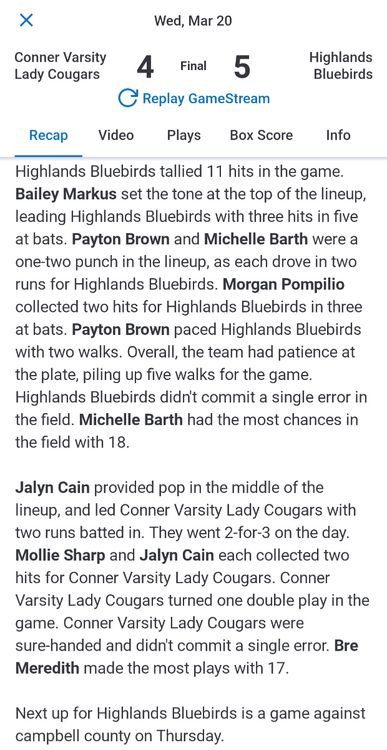
Final in 9 innings. HHS had a 2 run lead until the 6th. 2 scored to tie it up and it was back and forth through the 9th. Cam Markus comes through clutch to score 2 in the bottom of 9 to walk it off. Hats off to Sproles and Co, well coached team and a fun game to watch.
-
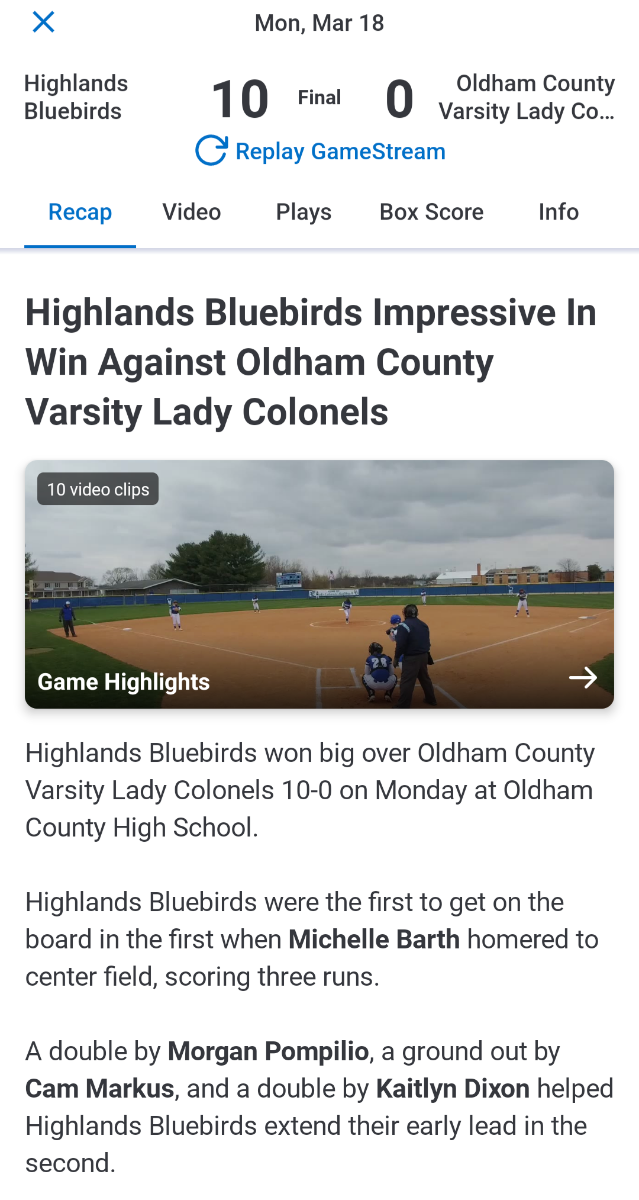
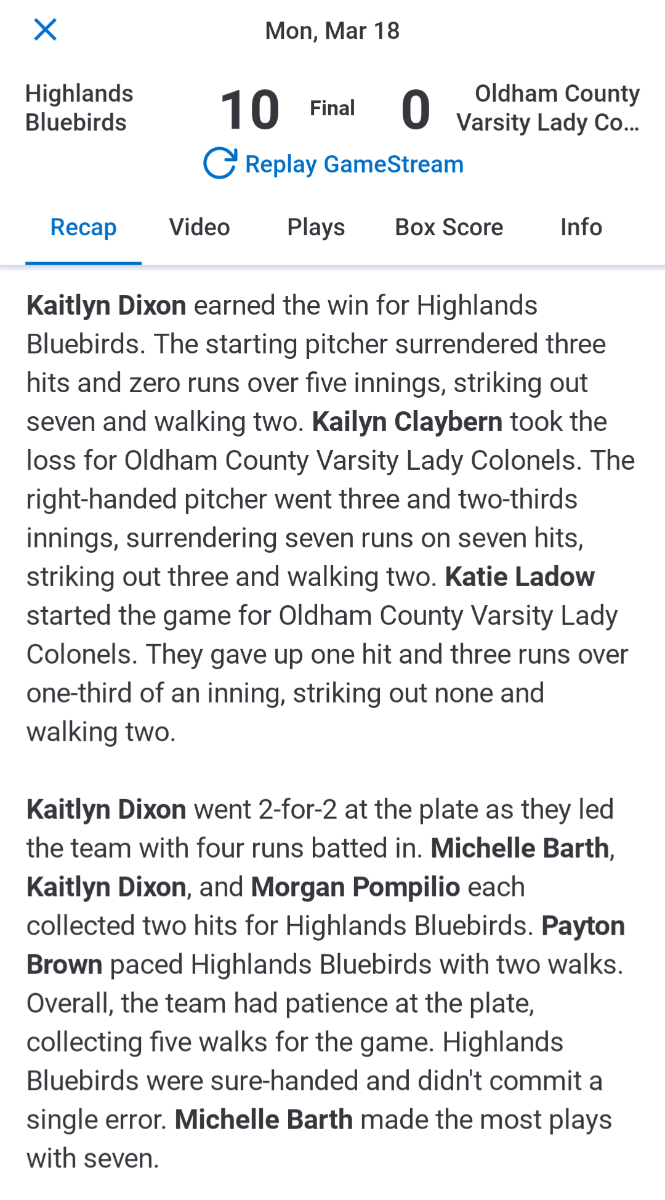
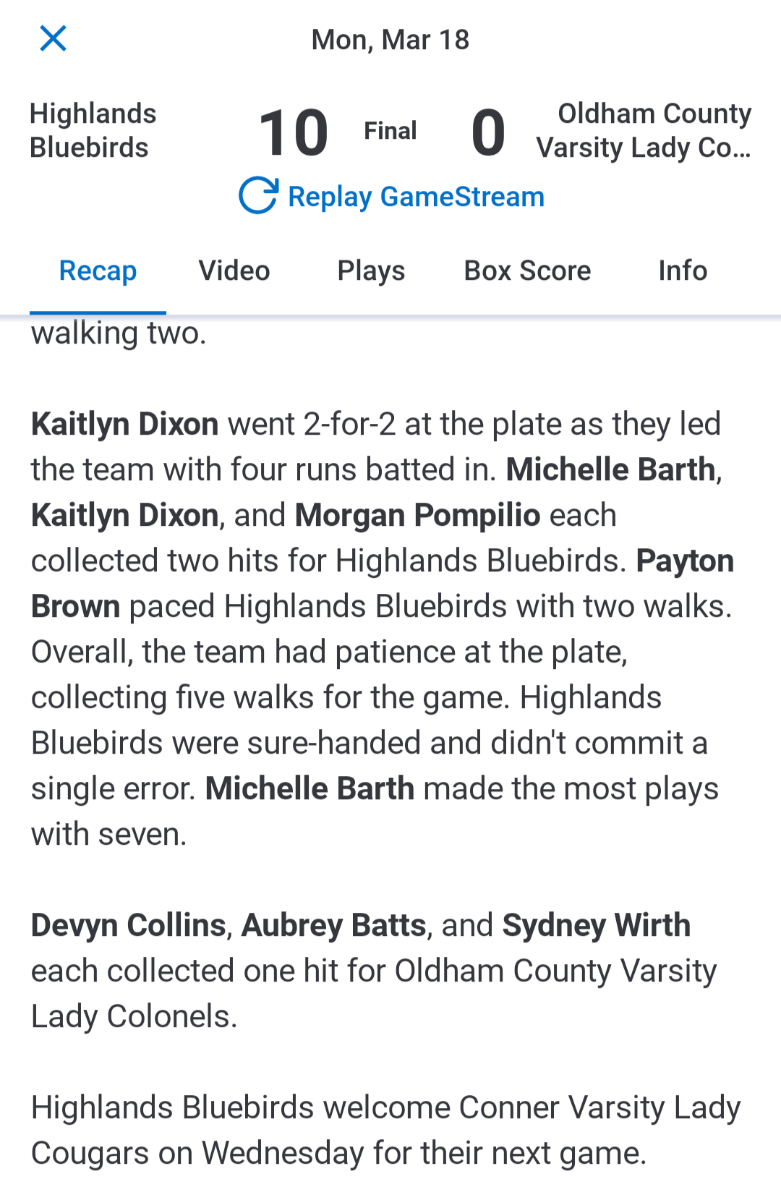
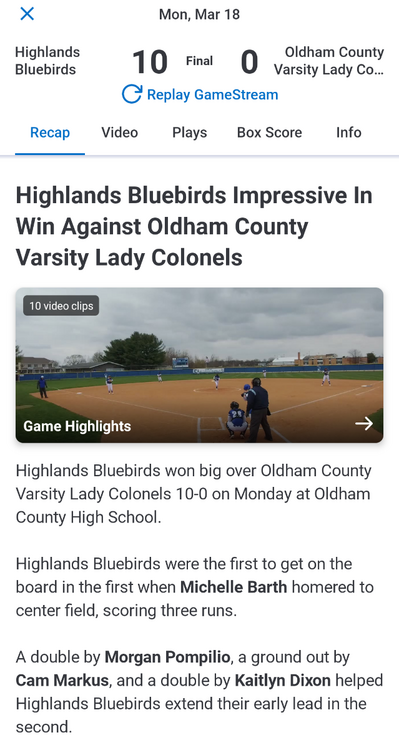
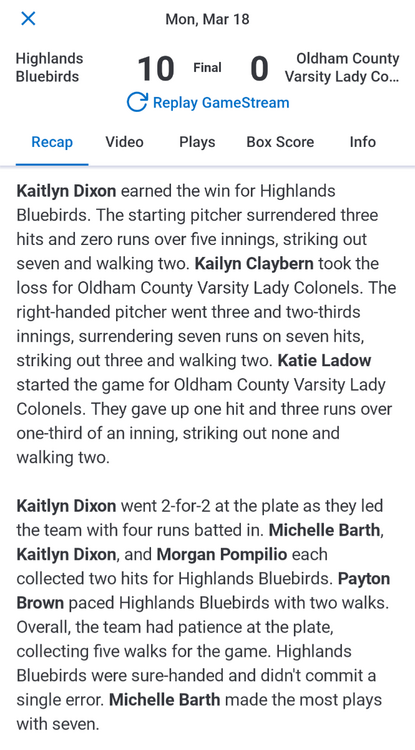
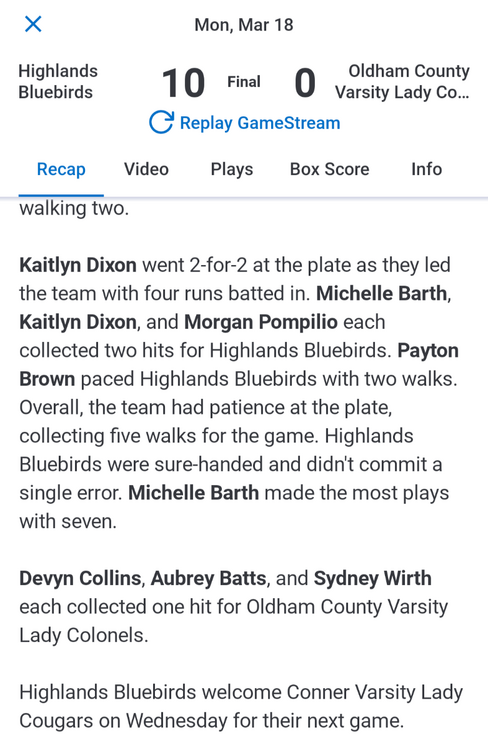
Starting pitching hurt them yesterday. Well that and Michelle Barth set the tone with a three run bomb in the first inning. I am not here to dog anyone, but I will say they did some running and had a players only meeting after the game. Highlands hit well, pitched well, and the D played well. Especially considering it was snowing most of the game.
-
Final in 5.
-
BREAKING NEWS...our pass coverage is HORRID.
-
14-0 at the half. D looks decent, I will leave it at that I guess.
-
Me too, unfortunately in Indy tonight!
-
Final 47-0
-
Approximate 40yd FG for the Birds. 47-0 3 minutes to go.
-
44-0 7:26 left in the 3rd. Welch with his 3rd TD tonight. Two pass, 1 rush.
-
Half! Biggest cheer of the night so far...the CCH half time score. :lol2:
-
37-0 1:03 left. HHS had a TO that CCHS ran back about 60 yards, but could not move it past that.
-
Bad snap for CCHS...Birds with the safety. 30-0 4:11 in the 2nd.
-
28-0 5:01 left in the 2nd.