Everything posted by AllenR
-
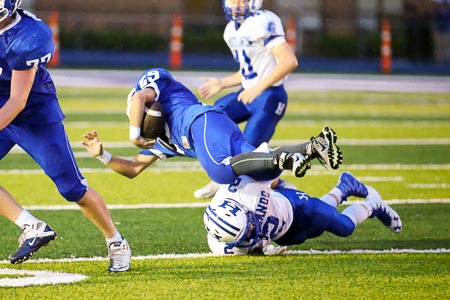
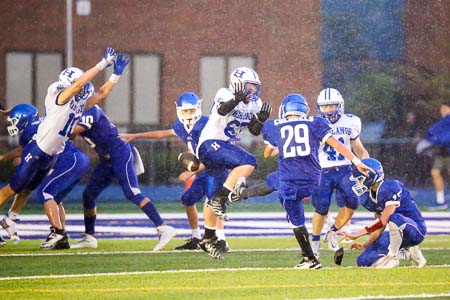
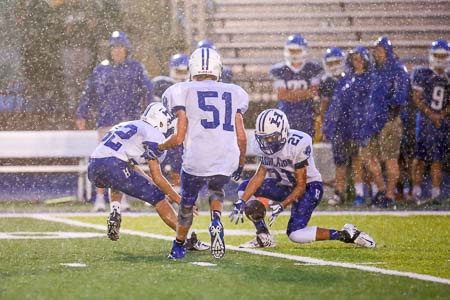
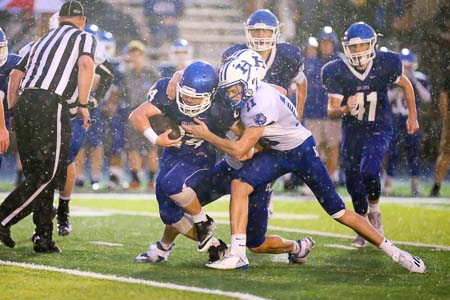
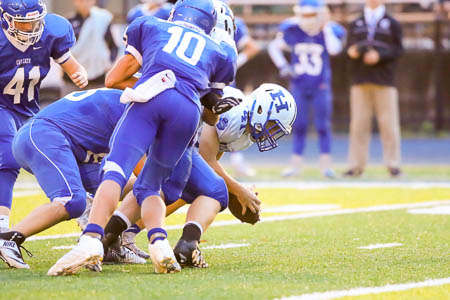
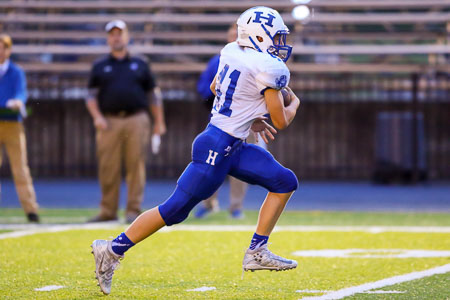
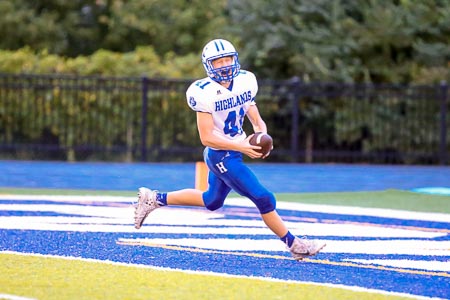
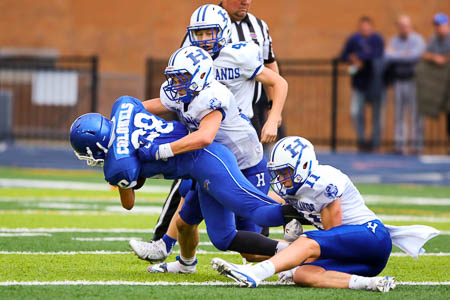
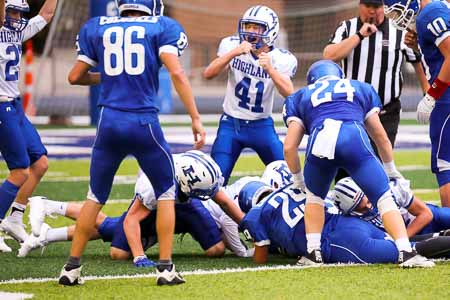
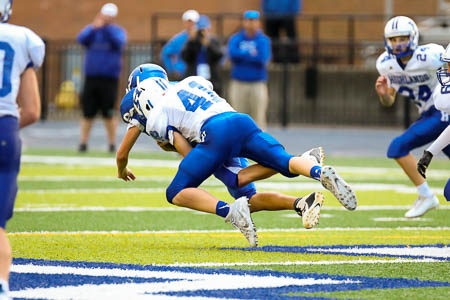
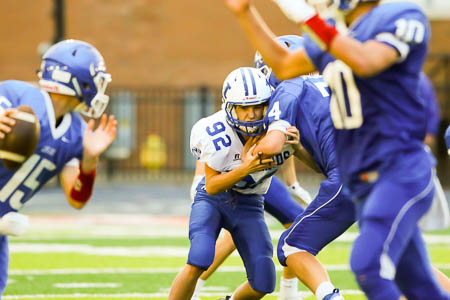
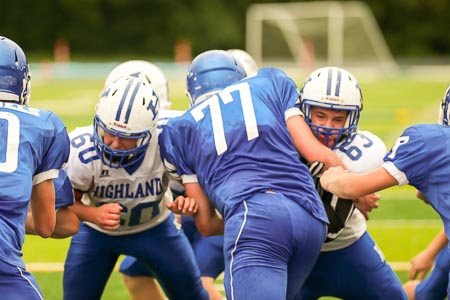
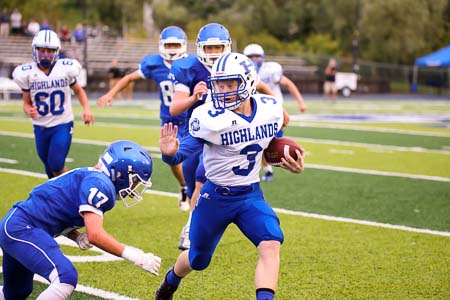
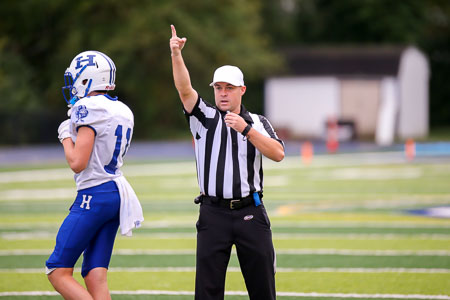
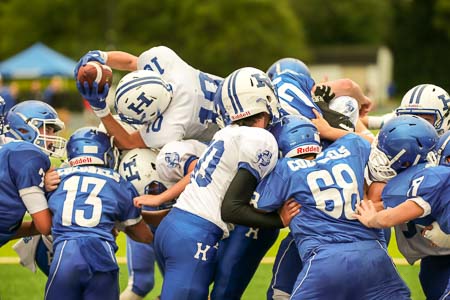
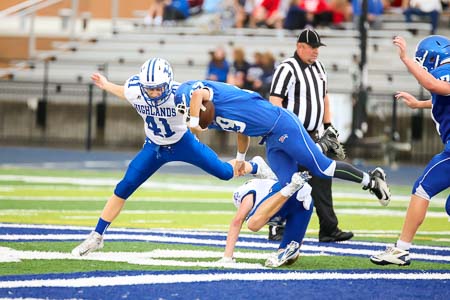
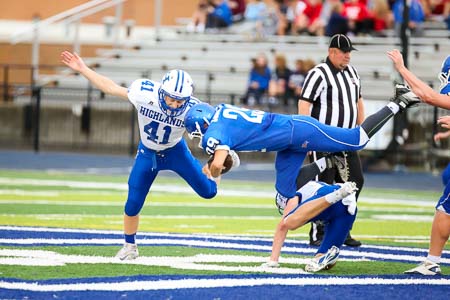
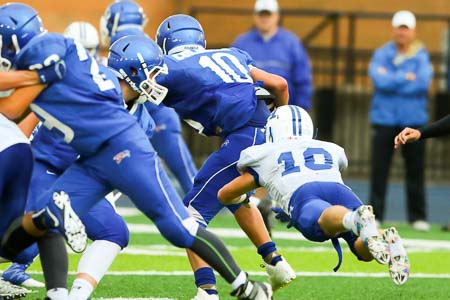
sarcasm?I will later. Sifting through them now.Left 1/2 way through 4th qtr. Birds were waiting and taking the full amount of time before snapping the ball beginning at the start of the 4th.YESLeft FROSH off the thread title2 - 2 after regulation. Straight to PKsI will definitely be there...Those lights are horrible! Too LOW and the noise is obnoxious!Sidebar:this discussion makes me think of a scene in Bull Durham! **I am NOT saying or implying that the young lady said what he did in the scene!Infraction was described by ref as "foul and abusive language". No idea what was said on the field. The 7th and 8th pictures are from the sequence.
Account
Navigation
Search
Configure browser push notifications
Chrome (Android)
- Tap the lock icon next to the address bar.
- Tap Permissions → Notifications.
- Adjust your preference.
Chrome (Desktop)
- Click the padlock icon in the address bar.
- Select Site settings.
- Find Notifications and adjust your preference.
Safari (iOS 16.4+)
- Ensure the site is installed via Add to Home Screen.
- Open Settings App → Notifications.
- Find your app name and adjust your preference.
Safari (macOS)
- Go to Safari → Preferences.
- Click the Websites tab.
- Select Notifications in the sidebar.
- Find this website and adjust your preference.
Edge (Android)
- Tap the lock icon next to the address bar.
- Tap Permissions.
- Find Notifications and adjust your preference.
Edge (Desktop)
- Click the padlock icon in the address bar.
- Click Permissions for this site.
- Find Notifications and adjust your preference.
Firefox (Android)
- Go to Settings → Site permissions.
- Tap Notifications.
- Find this site in the list and adjust your preference.
Firefox (Desktop)
- Open Firefox Settings.
- Search for Notifications.
- Find this site in the list and adjust your preference.