
Who Knew
Standard Membership
-
Joined
-
Last visited
Everything posted by Who Knew
-
1:27 2nd qtr, Ryle 27 GC 14. Missed pat.
-
2nd Qtr 2:05 Ryle 21 GC 14
-
7:23 2nd Ryle 21 GC 7
-
Double post
-
End of 1st Ryle 14, GC 7.
-
1:26 1st qtr Ryle 14 GC 7 after a long all run drive.
-
7:46 1st Ryle 14 GC 0 2pt conversation good.
-
Onside recovered by Ryle
-
10:20 1 st Ryle 6 GC 0 , missed pat
-
Ryle to receive
-
Nice win. " just win baby "Ryle 54 CC 0 finalRyle 54 CC 0 3:14 4THRyle 47 CC 0 1:02 3rdRYLE 40 CC 0 8:09 3RDRyle 33 CC0 830 3rd quarterRyle 26, CC 0 at the halfCongrats!End of 1st quarter , Ryle 23 TC 0.He did, and did not look happy. Big swing in momentum there. From a stop deep in HHS territory to 7 points.Well?
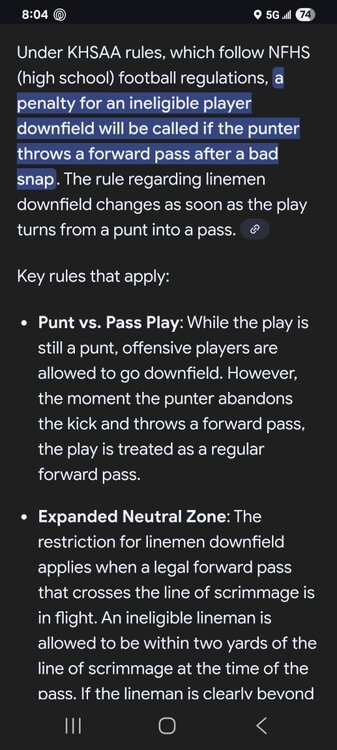 Heck of a play keeping it alive. Can't say I've read the rules for that situation.Lineman downfield on that punt attempt/pass.





