Skip to content
View in the app

A better way to browse. Learn more.

BluegrassPreps.com

A full-screen app on your home screen with push notifications, badges and more.

To install this app on iOS and iPadOS
  1. Tap the Share icon in Safari
  2. Scroll the menu and tap Add to Home Screen.
  3. Tap Add in the top-right corner.
To install this app on Android
  1. Tap the 3-dot menu (โ‹ฎ) in the top-right corner of the browser.
  2. Tap Add to Home screen or Install app.
  3. Confirm by tapping Install.

The Immortal Hulkster

Premium Membership
  • Joined

  • Last visited

Everything posted by The Immortal Hulkster

  1. https://gofan.co/event/6744211
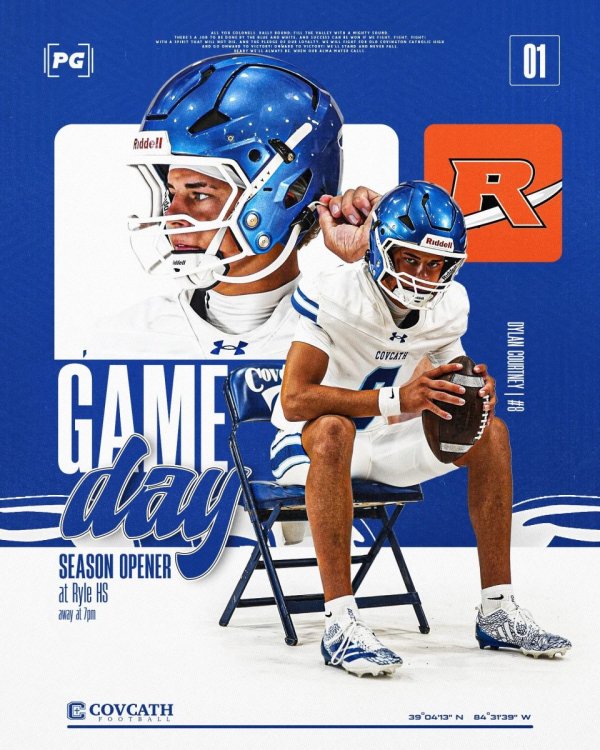
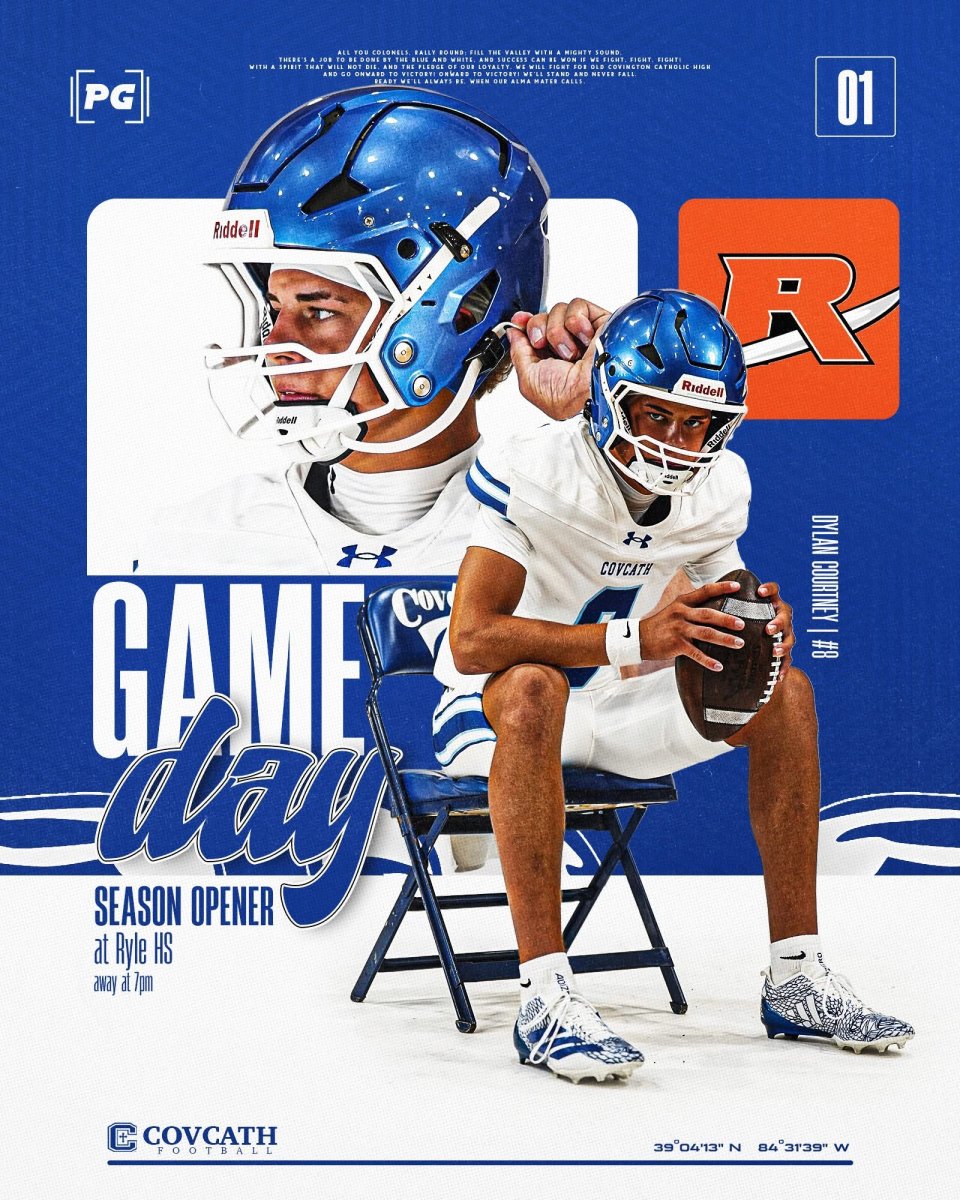
  2. GAME DAY!!! WHAT YOU GOING TO DO, WHEN THE COLONELS RUN WILD ON YOU? ๐Ÿ’™๐Ÿ’ช๐Ÿฝ๐Ÿˆ๐Ÿ†๐Ÿ’™
  3. No. Thatโ€™s just varsity. The three schools will take turns playing each other.
  4. Tuesday and Thursday games at CCH will be at 5p, 6p and 7p.
  5. FYI, they said all concessions were cash only also.
  6. $6 Cash only at the door. Get there early.
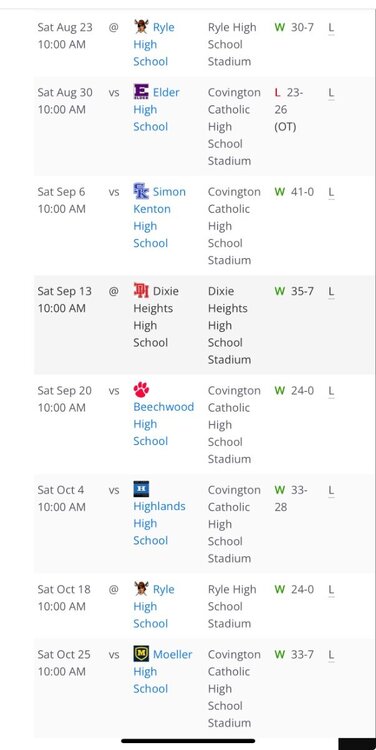
  7. CCH JV finished a great season yesterday with a big 33-7 win over Moeller. Overall record of 7-1 with wins over Ryle x2, Highlands and Beechwood. Only loss came to Elder in OT by a FG. This team is mostly Sophomores and Freshmen. Sophomore QB Dylan Courtney had an outstanding year. He finished the season yesterday by throwing 3 and running 2 TDS against Moeller. A great team with a bright future.
Account

Navigation

Search

Search

Configure browser push notifications

Chrome (Android)
  1. Tap the lock icon next to the address bar.
  2. Tap Permissions โ†’ Notifications.
  3. Adjust your preference.
Chrome (Desktop)
  1. Click the padlock icon in the address bar.
  2. Select Site settings.
  3. Find Notifications and adjust your preference.