Tomcats1990
Suspended
-
Joined
-
Last visited
-
Just looked up the rules players must maintain 5% or less body fat also.
-
My Daughter attends Midway and plays soccer. She told me about this a few months ago. I’ll probably go check out a game or 2. Should be a lot of speed on the field all the time.
-
Listening to Leach Report Cameron Mills who definitely would have more connections to the program then any of us said the same thing I did. Mills heard CAL had no interest in Kofi and didn’t talk to him.
-
Listening to Leach Report right now with Cameron Mills as the guest host. Special guest is Jeff Sheppard and the first question he asks Jeff is when is Reed going to commit to the CATS. Good interview with the 2 time National Champ.
-
Cal can’t have another disappointing or worse season next year. Really shocked he has no interest in Kofi. He would be an upgrade IMO to what they have currently.
-
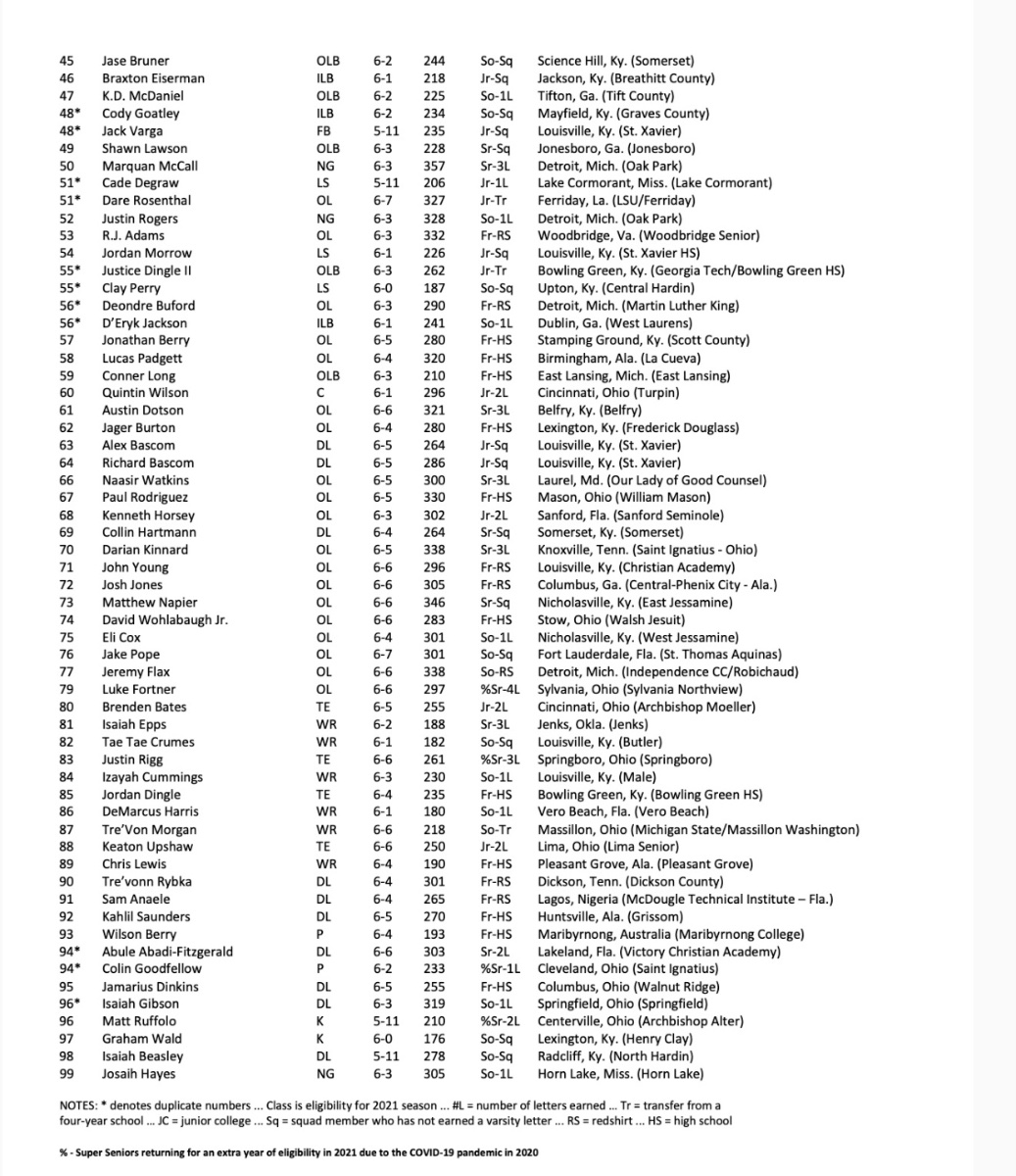
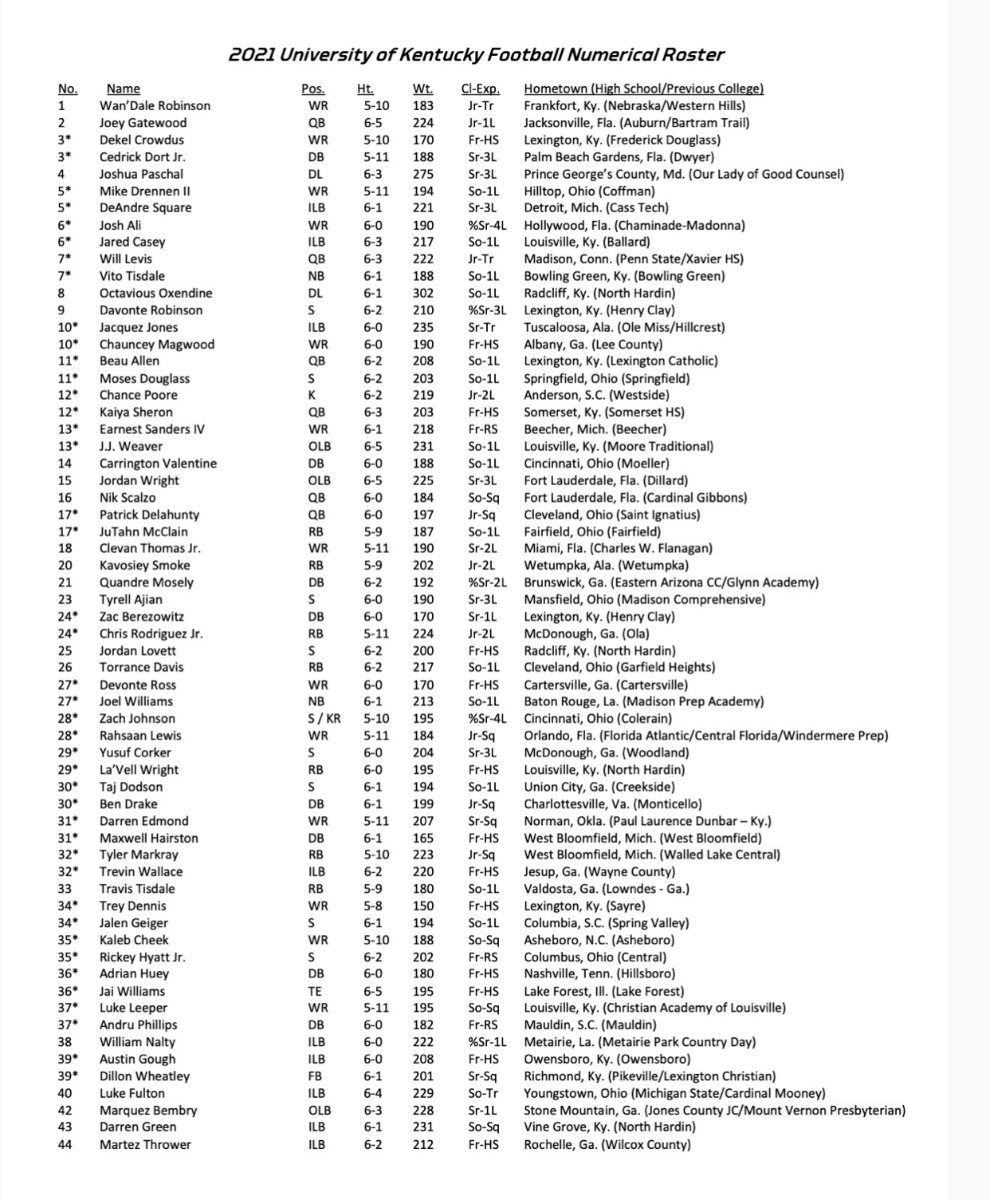
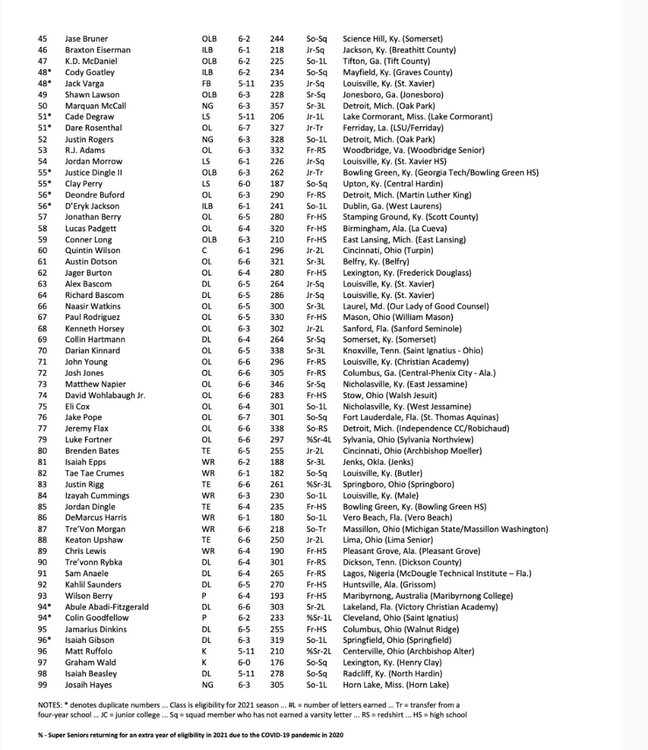
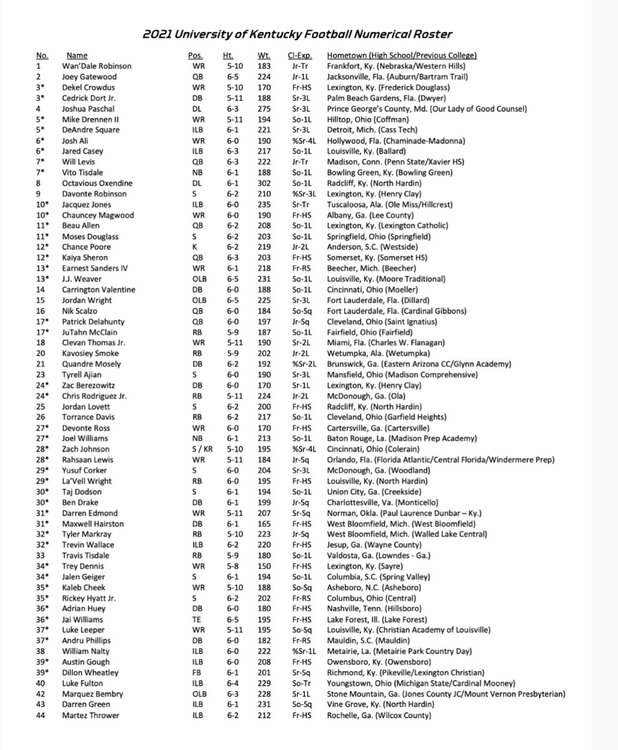
Kentucky Roster with updated info.
-
Was off by a week.
-
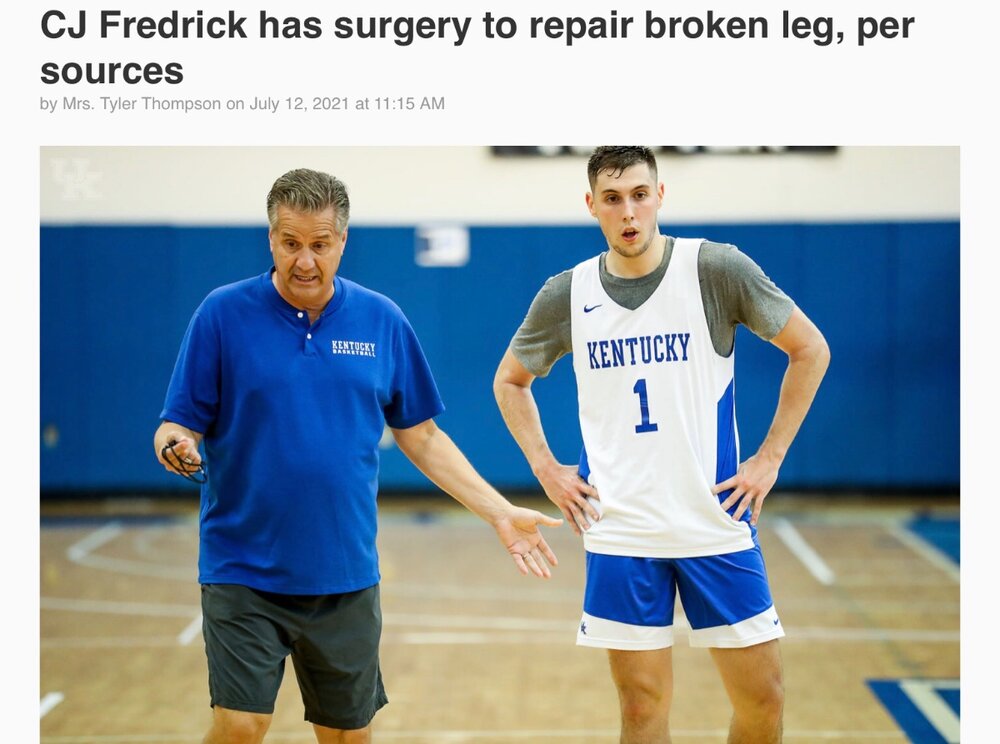
Hopefully he can make a speedy recovery.
-
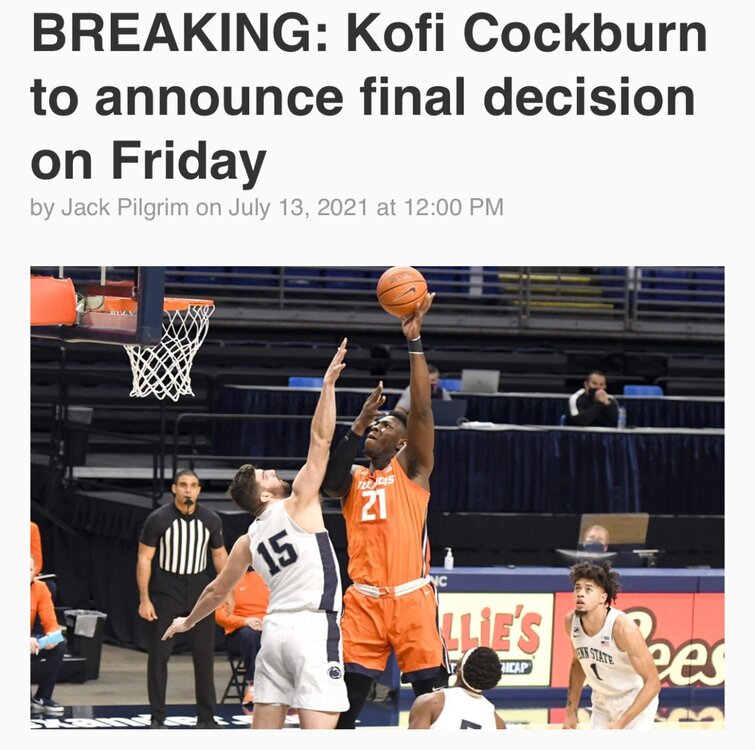
Guessing by Friday.If we can only land one not sure which one I would take the proven College stud Cockburn or the unanimous #1 recruit and maybe the next A.D.
 With Mintz returning he may be the first KY player ever to have 2 Senior Days.Yes it was corrected on KSR today after they said it. Still has been a long time since our leading scorer returned.Well KY made the final 5