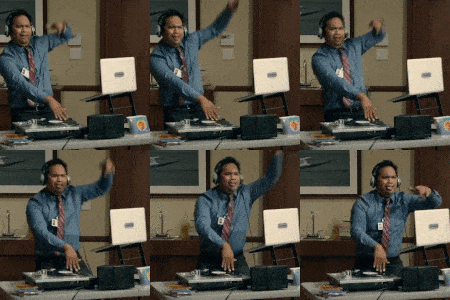
December 10, 201510 yr ok - I am having trouble making this my new avatar.. Anyone out there willing and able to tell me how to? https://www.google.com/search?q=photos+of+glen+from+mailroom&biw=953&bih=675&tbm=isch&imgil=5ywWyRINrldMvM%253A%253Bt1bvHEV-sDisDM%253Bhttps%25253A%25252F%25252Fwww.youtube.com%25252Fwatch%25253Fv%2525253DWXMVM_mrjNc&source=iu&pf=m&fir=5ywWyRINrldMvM%253A%252Ct1bvHEV-sDisDM%252C_&usg=__4uR0Qa3DryYbAbNWkJxatGNgTBg%3D&ved=0ahUKEwinzobsx9HJAhWJNT4KHTevAboQyjcIMw&ei=7pNpVqefHYnr-AG33obQCw#imgrc=Al5aulhJG-oaRM%3A&usg=__4uR0Qa3DryYbAbNWkJxatGNgTBg%3D
December 10, 201510 yr @PSJ , I re-sized the GIF file you linked to with http://ezgif.com/optimize in order to meet the 150x150 pixel size requirement that BGP has, and to dumb down the file size a little bit. Then I saved it and uploaded as your avatar (I assumed you wouldn't mind my doing so). I saved the file to imgur for future reference. http://i.imgur.com/fWBtVCj.gif
December 10, 201510 yr While I'm at it...here are a couple ideas for the ever-rotating Randy Parker avatar selection. http://i.imgur.com/lusLatj.gif http://i.imgur.com/FmcNSyY.gif
Archived
This topic is now archived and is closed to further replies.