PhotoFinish
Members
-
Joined
-
Last visited
Everything posted by PhotoFinish
-
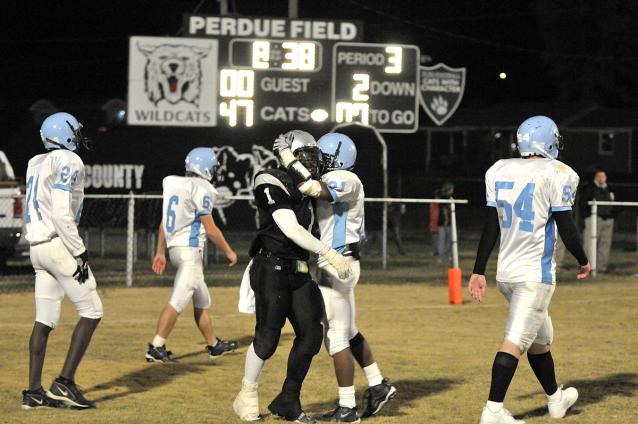
The score didn't really reflect the intensity of Fulton County. They are small (in numbers) but big in spirit. Even in a lop-sided game Fulton County showed excellent sportsmanship. My hats off to them. Good luck Trigg!
-
Anybody got the score? Thanks!
-
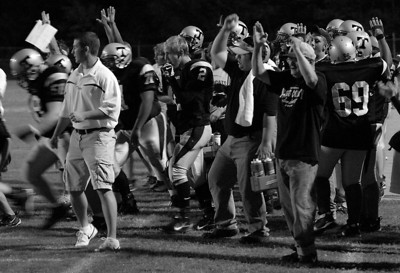
It was a very tough game to get action pictures. Antonio Grubbs, Scotty Mayes and Brandon Bridges are lightning fast. Add the poor lighting and it is a tough situation for a poor photog. Mayes ran for 4 touchdowns, Devon Stewart, QB Donald Bush and Will Stagner added one apiece. The kicker, John Reinick was perfect. It was great to see 2 receivers (Stagner and Stewart) show their streaching and catching abilities to go along with an explosive running game. . I did get several shots of sideline jubalation!
-
I think Trigg's passing game will open up the running game, or vice versa. The defense is looking pretty tough. Last week Keith Couch (Hopkins Central) had a good game against Trigg but he will have a lot of good games against many teams. So I think the defense will really tighten up and allow few points. I think I'll be getting quite a few shots of Brandon Bridges, Scotty Mayes, Antonio Grubbs cutting up the field putting up big yardage. Trigg wins 42-10
-
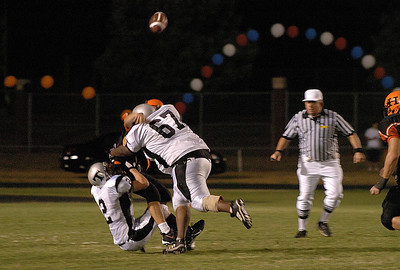
#67 IS huge but fairly agile. Here is the next shot... (think the QB could see the receiver?)
-
I see Trigg 33 Calloway 10. I see many shots of a ground game laced with some hard to capture passing plays. And a few sacks...