FrankNicodemus
Membership
-
Joined
-
Last visited
Everything posted by FrankNicodemus
-
About to kickoff Let’s go!!
-
I noticed that, had a really nice tackle coming down hill in middle of the line, also was the one that I think stopped the long screen play that was a huge gain for FD. Really making a presence on D.
-
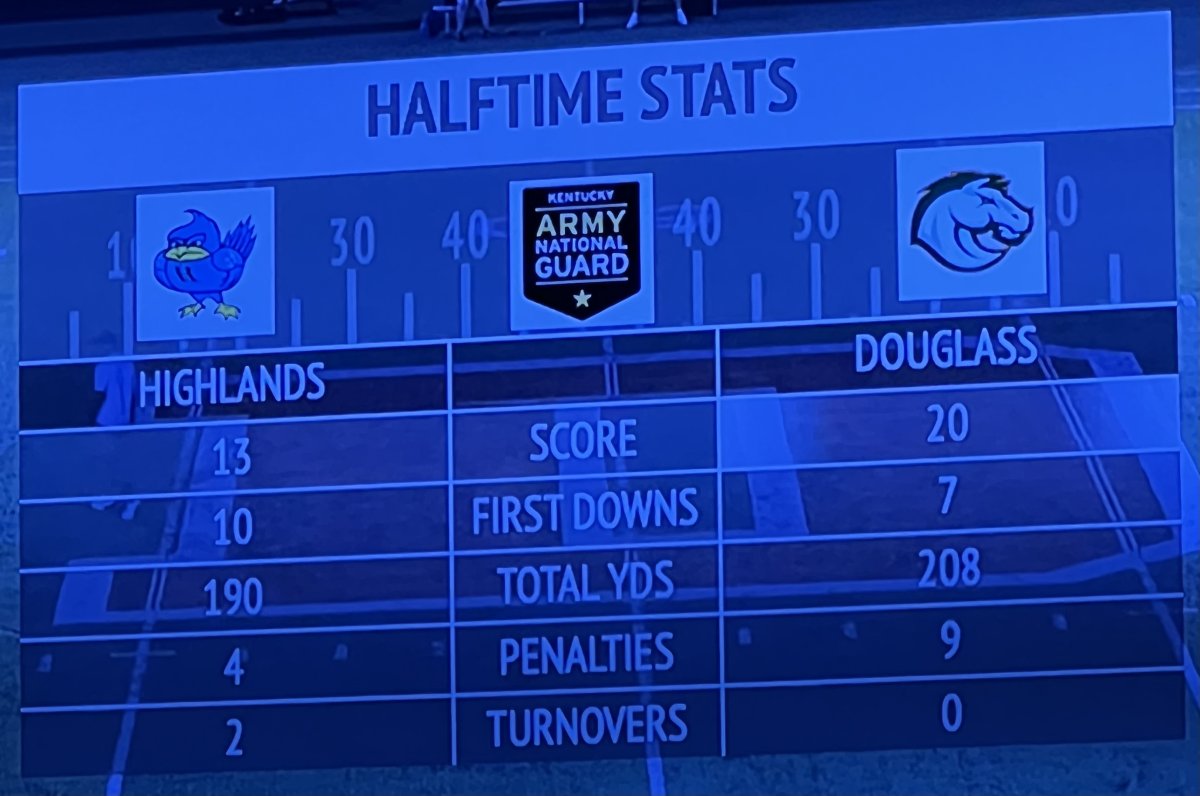
YesI knew that, dang autocorrect doesn’t like that first E and changes to an A. Colt is a stud!!!That’s how you keep your head up play hard, good things will happen!GAME ON BABY!!!! FD +2 in turnovers Birds down 7…. I’m ok, lick your wounds regroup and let’s go!!!!Got it!!!That was AWESOME and much much needed!!TD Kramer!!!!! Go Birds!!!!7.6 seconds leftBirds have 1 TO leftTimeoutBirds to 26 yd line 10 seconds leftArmstrong with defenders all over him somehow gets a complete pass to Feldbruegge for 1st downArmstrong scramble for 9 out of bounds2 incomplete passes 3rd and 10Past midfield 2 timeouts 44 secondsBe nice to get something sneaky hereFD TD passFD close to 504th and forever Going to punt 2:11 to go2:17 to go FD timeoutSacked back at the 20Birds get ball on 40 3:25 left