AcrossTheRivver
Standard Membership
-
Joined
-
Last visited
Everything posted by AcrossTheRivver
-
Probably because they had to play schools like Walton-Verona twice last season so the competition level leading up to the Final 4 was scarce + having to travel 4+ hours to a tough environment doesn't help either. Home field advantage counts for 1.5 - 2.5 points in most football games, especially when the teams are relatively even, give or take a few athletes. What do you know, Beechwood lost by 1 last year. Who knows, maybe a neutral site or home game would've ended differently. Hopefully they get another crack at O Cath this year... time will tell.
-
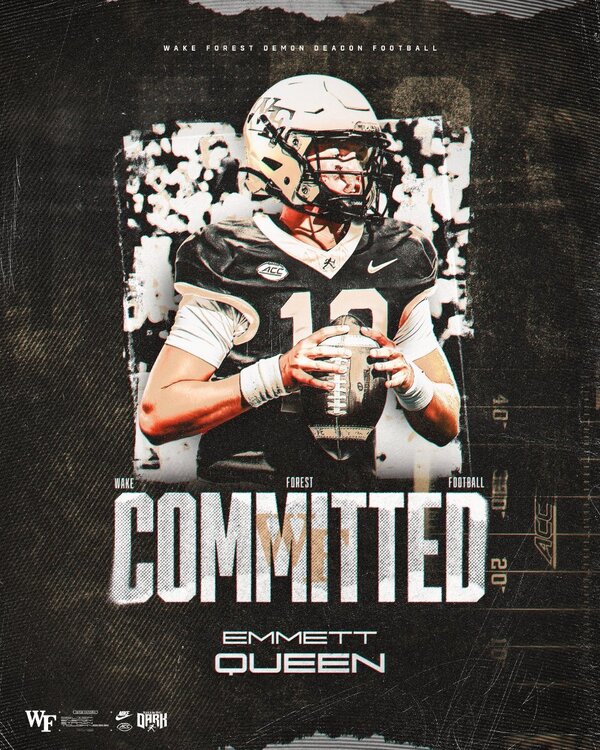
Big news out of Fort Mitchell - '27 QB Commits to Wake Forest! Was offered over the weekend, per an earlier tweet - Congratulations to Emmett Queen and his family! https://x.com/EmmettQueen/status/2036221178499440762?s=20 2 Power 4 players for the Tigers is impressive
-
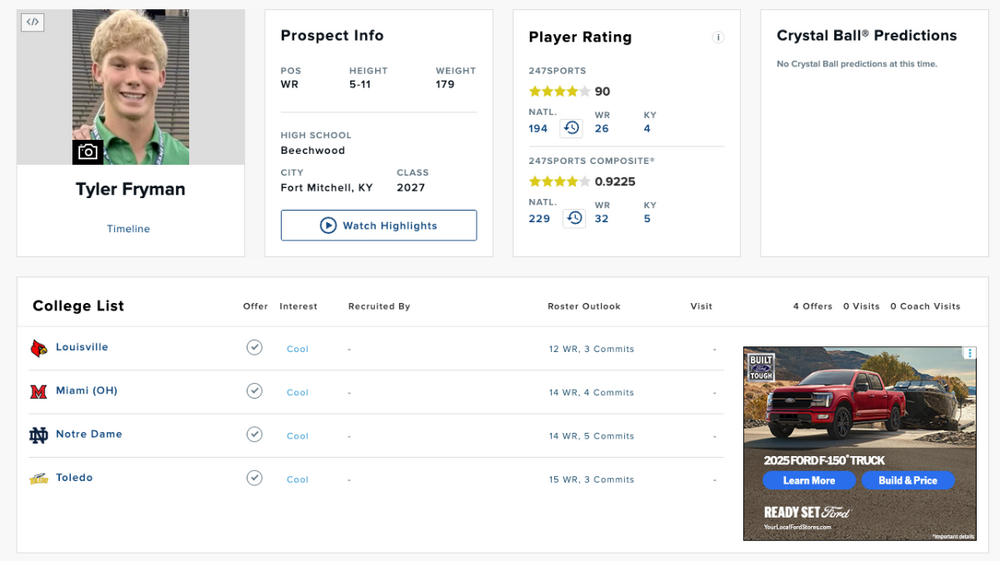
Another new and improved ranking for Fryman, this time from On3/Rivals. https://www.on3.com/rivals/tyler-fryman-259990/ #118 Player in the Country #20 Wide Receiver #2 Player in Kentucky Big moves for the young man and congratulations! Unfortunately, they take the ESPN300 ranking into consideration, which hasn't happened yet, so his overall industry ranking puts him at #304.

-
Tyler Fryman just received his official recruiting ranking from 247Sports. Congratulations to him ? 4 Stars Top 5 player in KY Top 200 player in the COUNTRY