Skip to content
View in the app

A better way to browse. Learn more.

BluegrassPreps.com

A full-screen app on your home screen with push notifications, badges and more.

To install this app on iOS and iPadOS
  1. Tap the Share icon in Safari
  2. Scroll the menu and tap Add to Home Screen.
  3. Tap Add in the top-right corner.
To install this app on Android
  1. Tap the 3-dot menu (⋮) in the top-right corner of the browser.
  2. Tap Add to Home screen or Install app.
  3. Confirm by tapping Install.

Type E

Former Member
  • Joined

  • Last visited

  1. Thanks. Been following BGP for years in both football and wrestling. Just don’t usually comment.
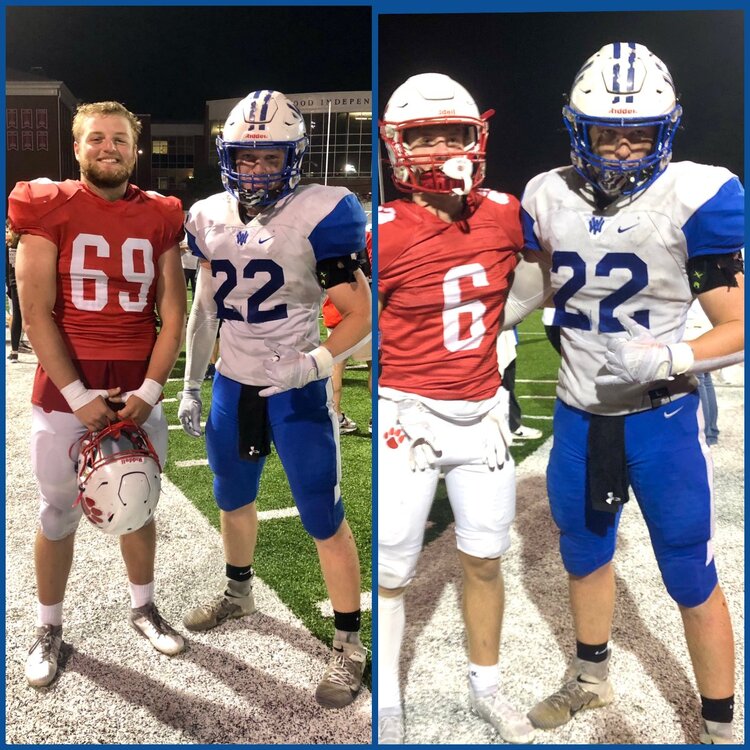
  2. Just wished that these seniors could've played their last year healthy and as a team like they've played in the last 11 years. This group of kids have seen a lot of success over the years and its sad to see their last season play out like it has. Here is another pic of old teammates from Walton Verona. Go Bearcats! Play hard and enjoy the time you have left.

Account

Navigation

Search

Search

Configure browser push notifications

Chrome (Android)
  1. Tap the lock icon next to the address bar.
  2. Tap Permissions → Notifications.
  3. Adjust your preference.
Chrome (Desktop)
  1. Click the padlock icon in the address bar.
  2. Select Site settings.
  3. Find Notifications and adjust your preference.